Scale SEO delivery for every client. On autopilot.
Add a client, connect their site, and RankYak handles keyword research, content creation, publishing, and backlink building. Grow your agency without growing your headcount.







SEO delivery doesn't scale.
Every new client means more writers, more tools, more management. Content quality varies, deadlines slip, and your margins shrink with every project you take on.
Onboard a new client in minutes, not weeks
Enter your client's domain and RankYak starts on their niche immediately: it scans the site, finds what their audience searches for in Google and AI chats, and scores every keyword against the site's authority. No discovery phase, no spreadsheets, no week-one scramble.
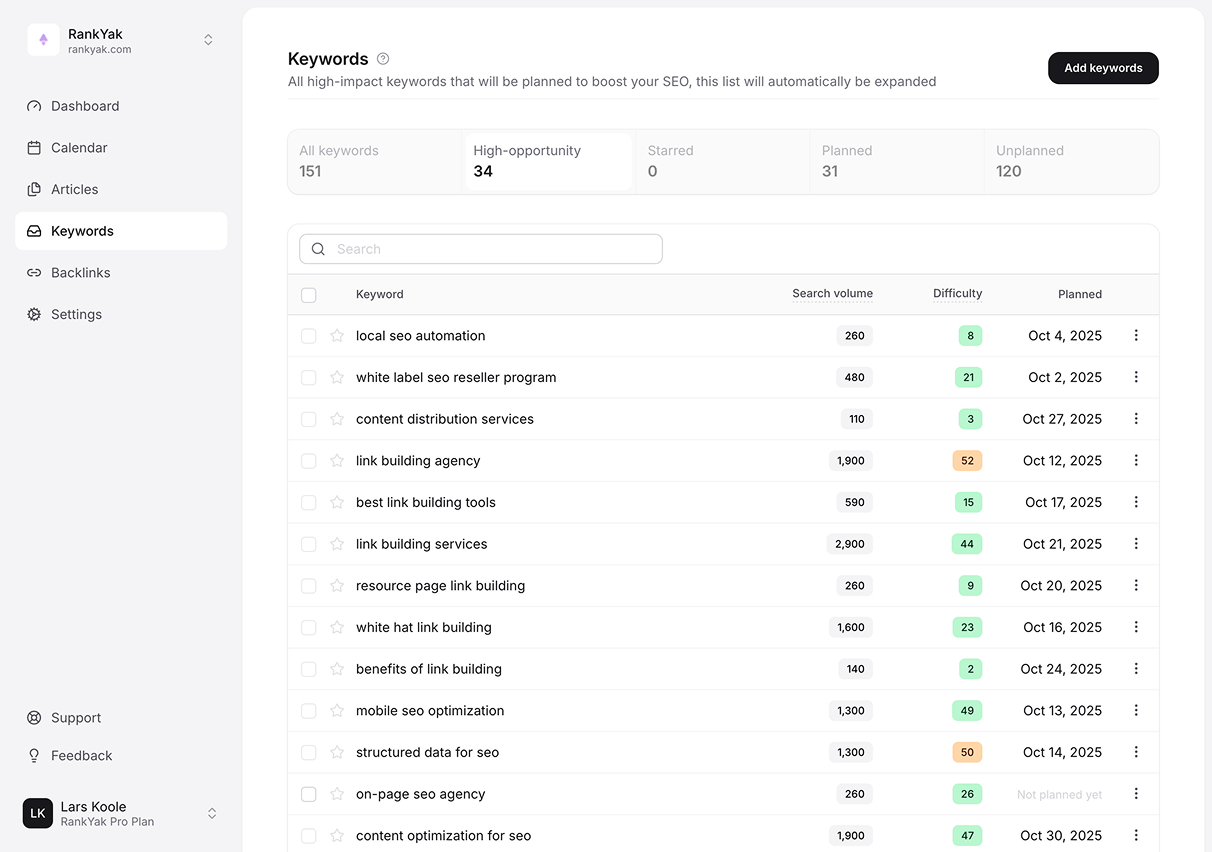
A content calendar for every client, built automatically
RankYak turns each client's keyword pool into a content plan on its own calendar. Publish steadily for one client, batch a launch week for another, and keep a third on full autopilot; every site follows its own strategy.

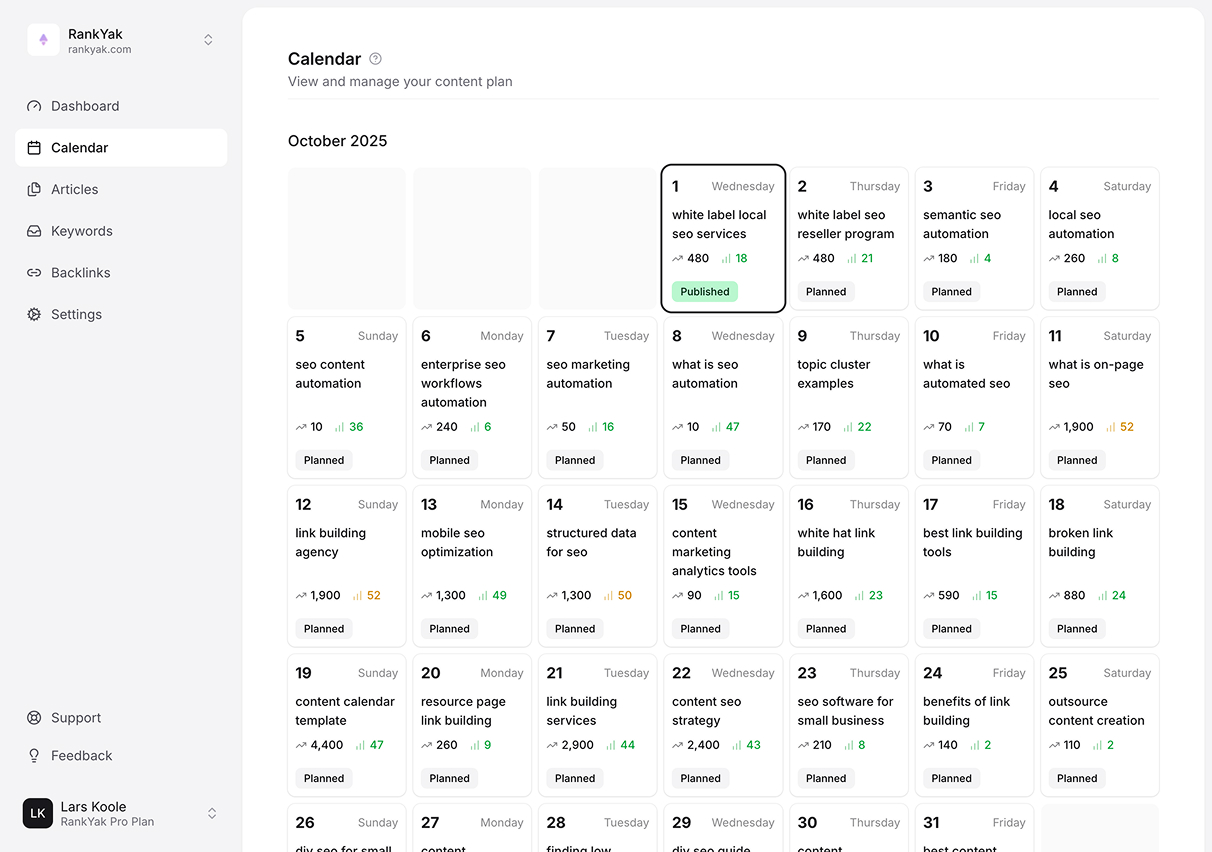
Consistent quality across every account
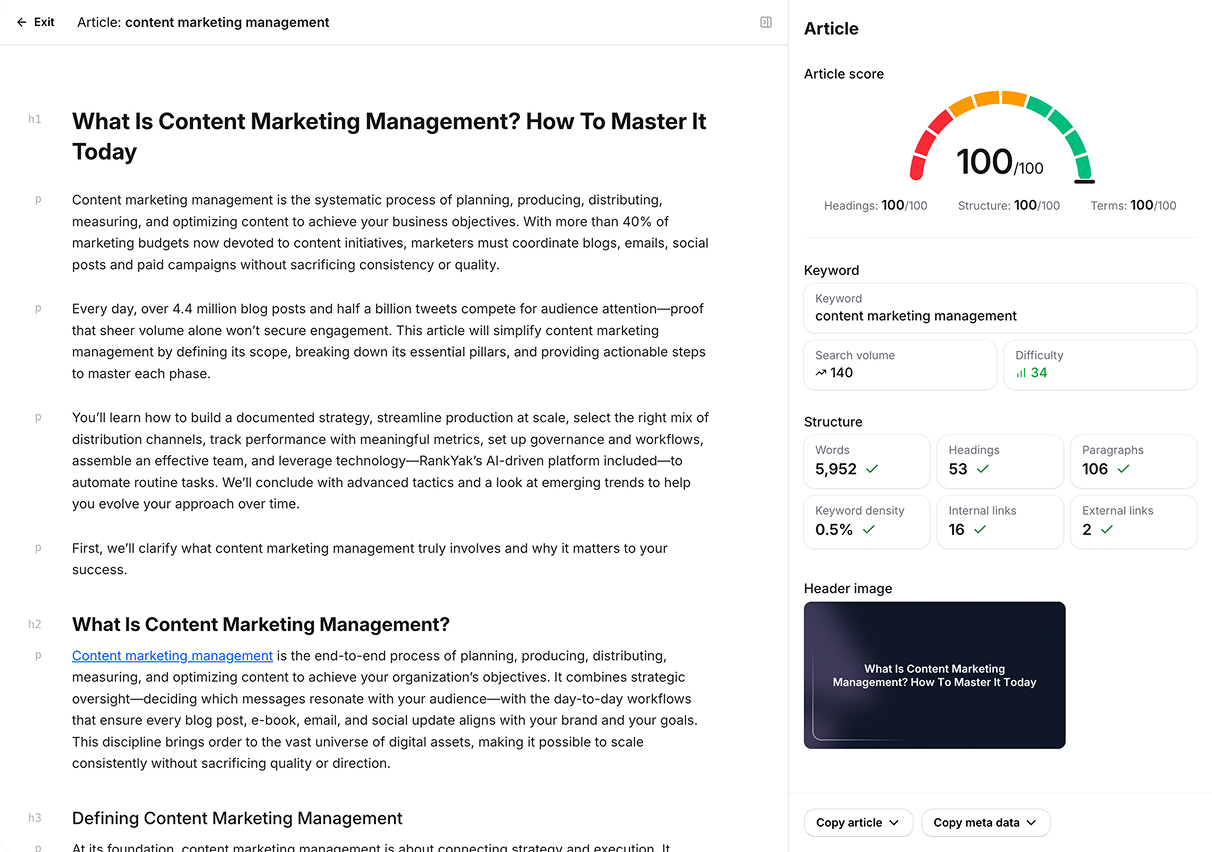
Every article starts with research, not writing. RankYak reads the top-ranking pages for the keyword, pins down the search intent, and writes in each client's brand voice, in any of 40+ languages. No freelancers to chase, no drafts to rewrite.

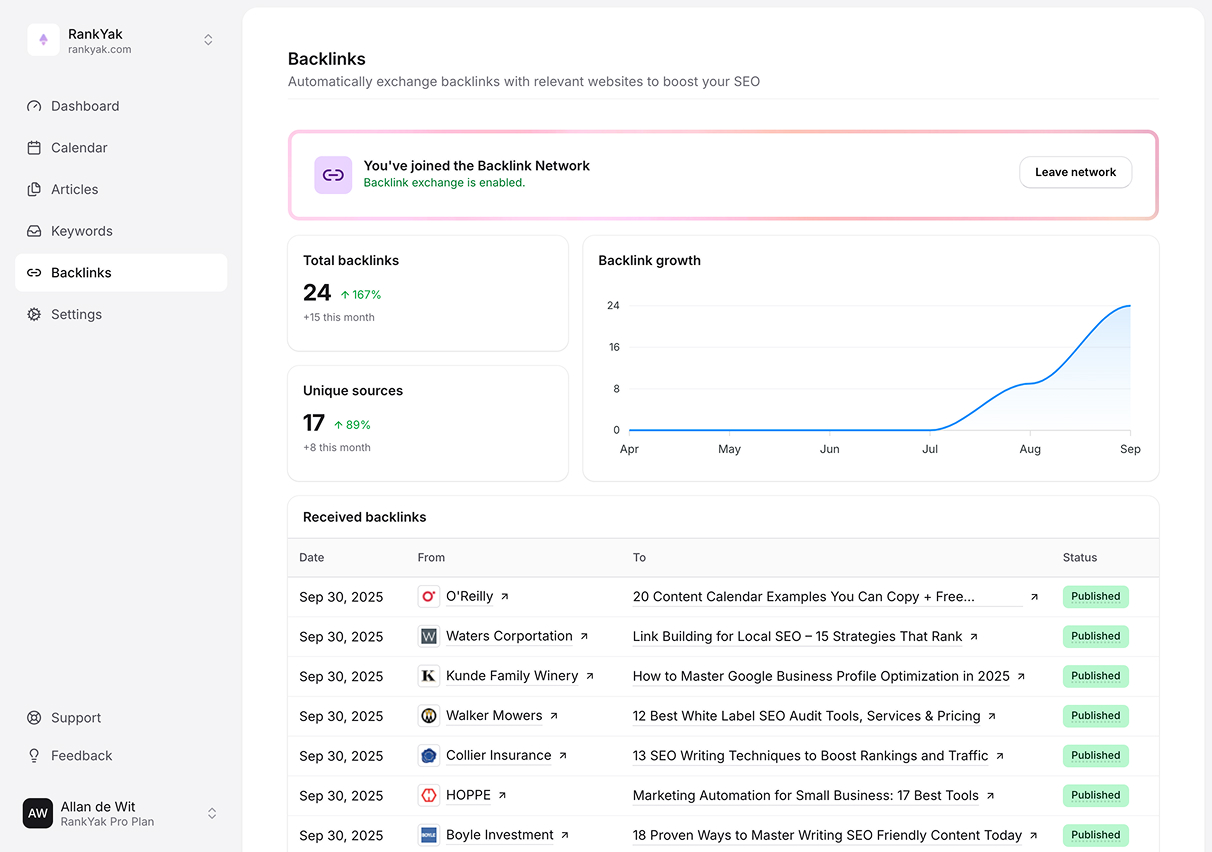
Every client's authority grows link by link
Content gets your clients into the game; authority wins it. RankYak exchanges backlinks between each client's site and relevant sites in the network, on full autopilot. No cold emails, no outreach spreadsheets, no hours billed to link building.

New articles are only half the job
Every day, RankYak checks the pages your clients already have against what search actually sees: the title, the meta description, and the click-through rate their positions should earn. What it flags, it fixes, with a suggestion you review before anything changes on a client's site.

Maximum visibility in Google and AI chats, for every client.
Anyone can generate a blog post with AI, but that doesn't mean it will rank. RankYak articles are built on advanced research and SEO frameworks to match exactly what Google (and your clients' audiences) wants to see.
Connect once.
Publish for every client.








Real growth, and the playbook behind it.
Each story shows how one business put RankYak to work on its own goal: more traffic, higher rankings, or citations in AI answers. Read what they did, then do it for your site.
Growing to 23,700 monthly visitors in search's most expensive niche
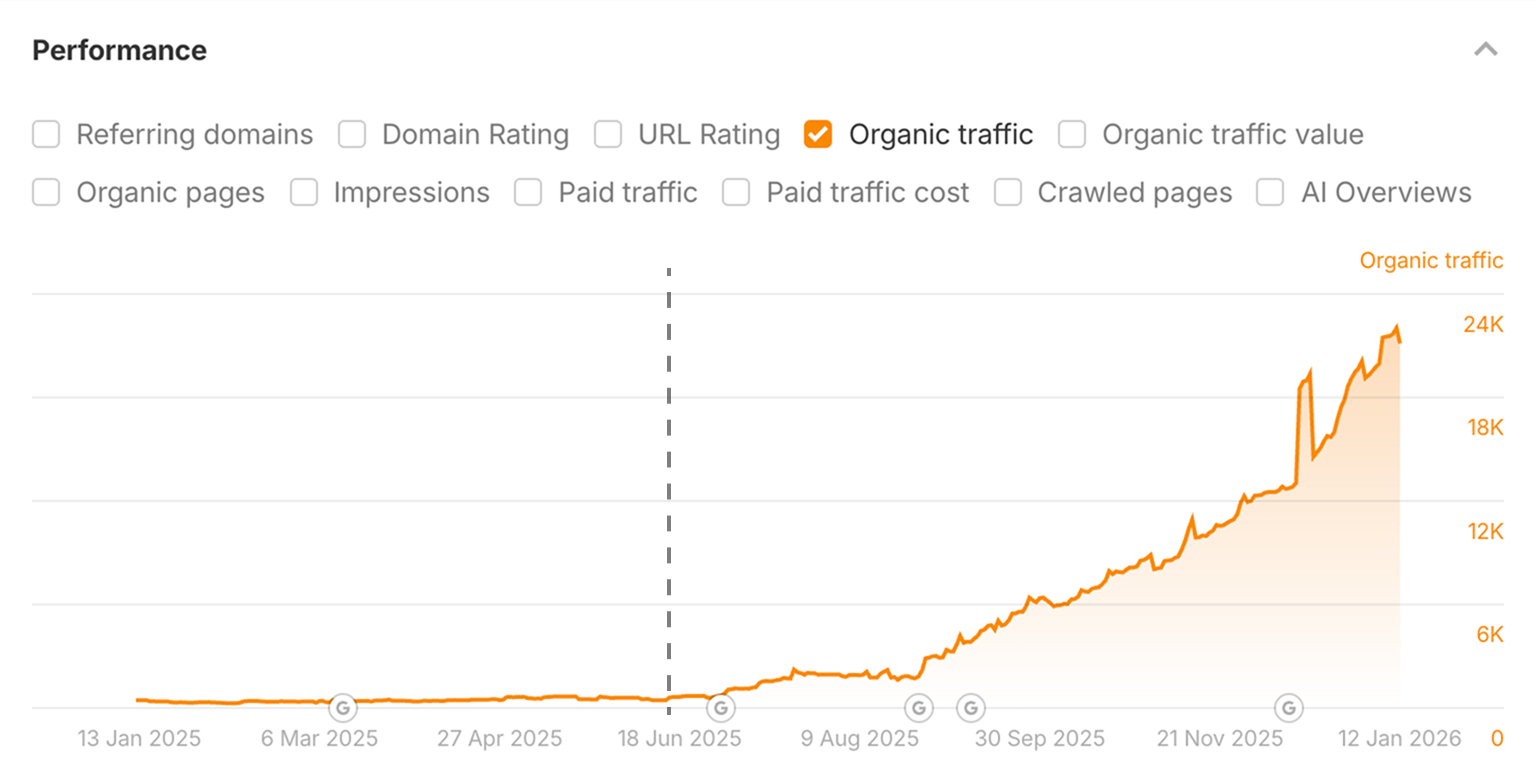
How a marketing agency turned SEO into a repeatable service
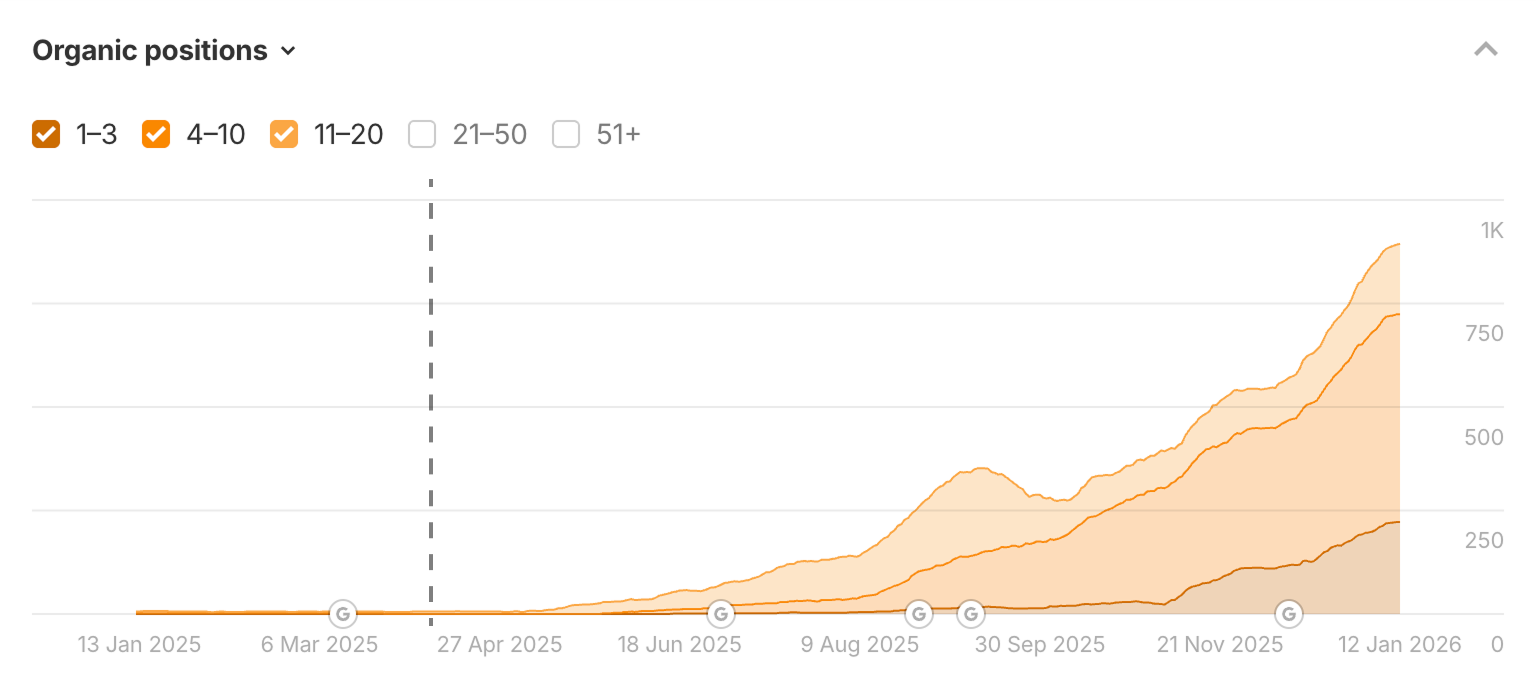
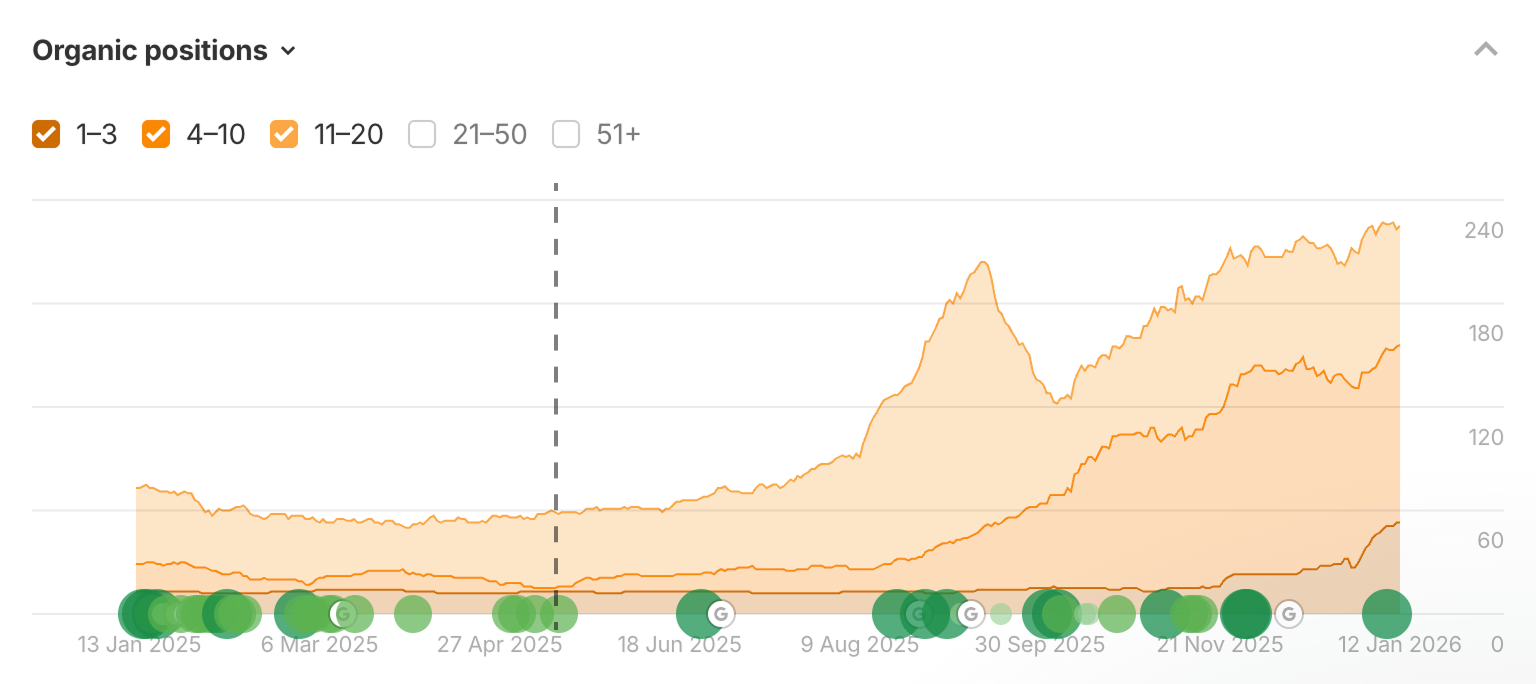
How an analytics SaaS outranked the giants it could never outspend
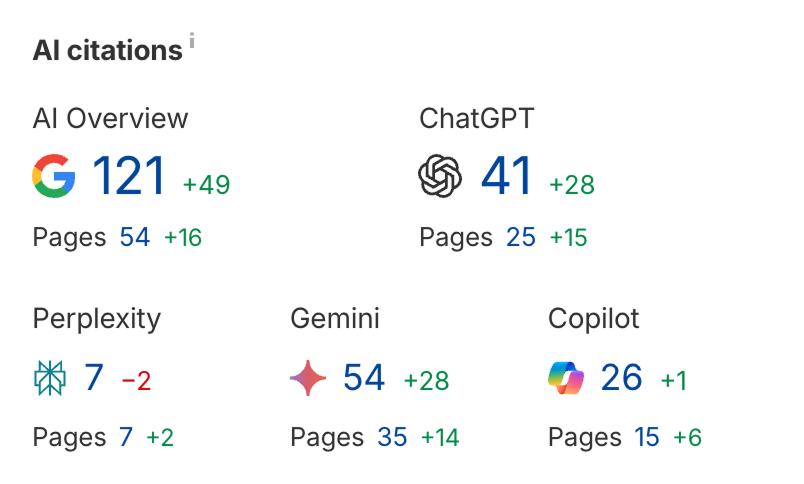
How a fashion brand earned its place in ChatGPT's answers
One account. Every client.
Every client lives in one account, and each client site is $99 a month. Add a client the month you win one, drop a site the month you lose one, and give a busy client more volume without touching the others.
- One SEO/GEO article, on the days you pick for that client
- An automatic content optimization instead, on the days you pick for it
- Every page re-checked against its Search Console data
- Site Guard, $99 a site, for page and cannibalization fixes
- Automated keyword research and topic clustering
- Quality backlinks built on autopilot
- Auto-publishing to WordPress, Shopify, Webflow, Wix, and more
- AI generated images & visuals
- Automatic internal and external linking
- Google Search Console integration
- Draft mode for client review before publishing
- Available in 40+ languages
Charge your clients what you want. Every client site is $99 a month, they all live in one account, and each one runs on its own schedule. Add a client whenever you win one, and stop a site the month you lose one.
Run the numbers for your agency.
Set your client count and your retainer. Every client site is $99, so the calculator shows what your SEO delivery costs and what is left of the retainer.
Running more than 25 clients? One account covers them too, and every client you add bills at the same per-site rate as the rest.
The subscription is the only RankYak cost in this math, and it assumes Pro alone. Site Guard, where you want it, is another $99 on that site. Your own time and overhead are yours to add.
Frequently Asked Questions
Each client gets their own site within your RankYak account. You can switch between clients from a single dashboard, each with its own keywords, content plan, articles, and CMS integration. Adding a new client takes minutes.
All your clients run under one account. Each client site is $99 a month and publishes one article a day, on the days you pick for that client. Nothing is shared, so a busy client cannot slow a quiet one down.
A client who wants the fixes as well gets Site Guard on their own site, another $99 a month, for page and cannibalization fixes. Add it to the client who needs it and leave it off the ones who do not.
Client sites live together in one organization by default. A client who needs their billing kept separate gets an organization of their own.
Yes. You can set any client site to draft mode, so articles are saved for your review before publishing. This lets you (or your client) approve content before it goes live. You can also choose fully automatic publishing for hands-off clients.
RankYak integrates with WordPress, Wix, Shopify, WordPress.com, Webflow, Zapier, and Make. You can also use our RSS feed, API, and webhooks to integrate with any other platform. Each client site connects to its own CMS independently.
No. RankYak is designed to be used without any SEO or technical expertise. The platform handles keyword research, content creation, and publishing automatically. You just add your client's website and configure their preferences. RankYak does the rest.
RankYak content is published directly to your client's website under their brand. There is no RankYak branding on any published content. Your clients see articles appear on their blog, authored however you configure it. From your client's perspective, the content is yours.
Yes, RankYak supports 40+ languages. Each client site can be configured for a different language and country, which is perfect for agencies with international clients. Keyword research and articles are tailored to the selected language and region.
Get Google and ChatGPT traffic on autopilot.
Start today and generate your first article within 15 minutes.
