Featured Snippets Optimization: A Step-by-Step Guide
You've done the work to get your page onto the first page of Google. But there's a spot above even the #1 organic result, and it's stealing clicks from everyone below it. That spot is the featured snippet, and featured snippets optimization is how you claim it. Pages that earn Position Zero capture a disproportionate share of traffic, often pulling click-through rates above 35% according to multiple search studies. If you're not structuring your content to win that box, you're leaving real traffic on the table.
The good news: featured snippets aren't reserved for massive sites with enormous budgets. They reward clear, well-structured answers to specific questions, something any site can deliver with the right approach. The key is understanding what Google looks for and formatting your content to match those expectations precisely.
This guide breaks down the entire process step by step, from identifying snippet opportunities to structuring your content so Google picks it up. And if you're using RankYak to automate your SEO content, you're already ahead, every article the platform produces is built with search intent and content structure in mind, giving you a strong foundation for capturing featured snippets at scale. Let's get into it.
What featured snippets are and how Google picks them
A featured snippet is a special result box that Google displays at the very top of the search results page, above all organic listings. It pulls a short answer directly from a webpage and shows it alongside the page's URL and title. Google introduced featured snippets to give users quick answers without requiring them to click through to a site, which is exactly why winning one can dramatically change your traffic numbers. Featured snippets appear for roughly 12 to 13% of all search queries, making them one of the highest-leverage targets in any featured snippets optimization strategy.
Winning a featured snippet doesn't require you to hold the #1 organic ranking, but your page does need to already appear somewhere on the first page of results.
The main types of featured snippets
Google pulls different formats depending on the query. Understanding which format matches your target keyword is the first step toward structuring your page correctly. Here are the four snippet types you'll encounter most often:
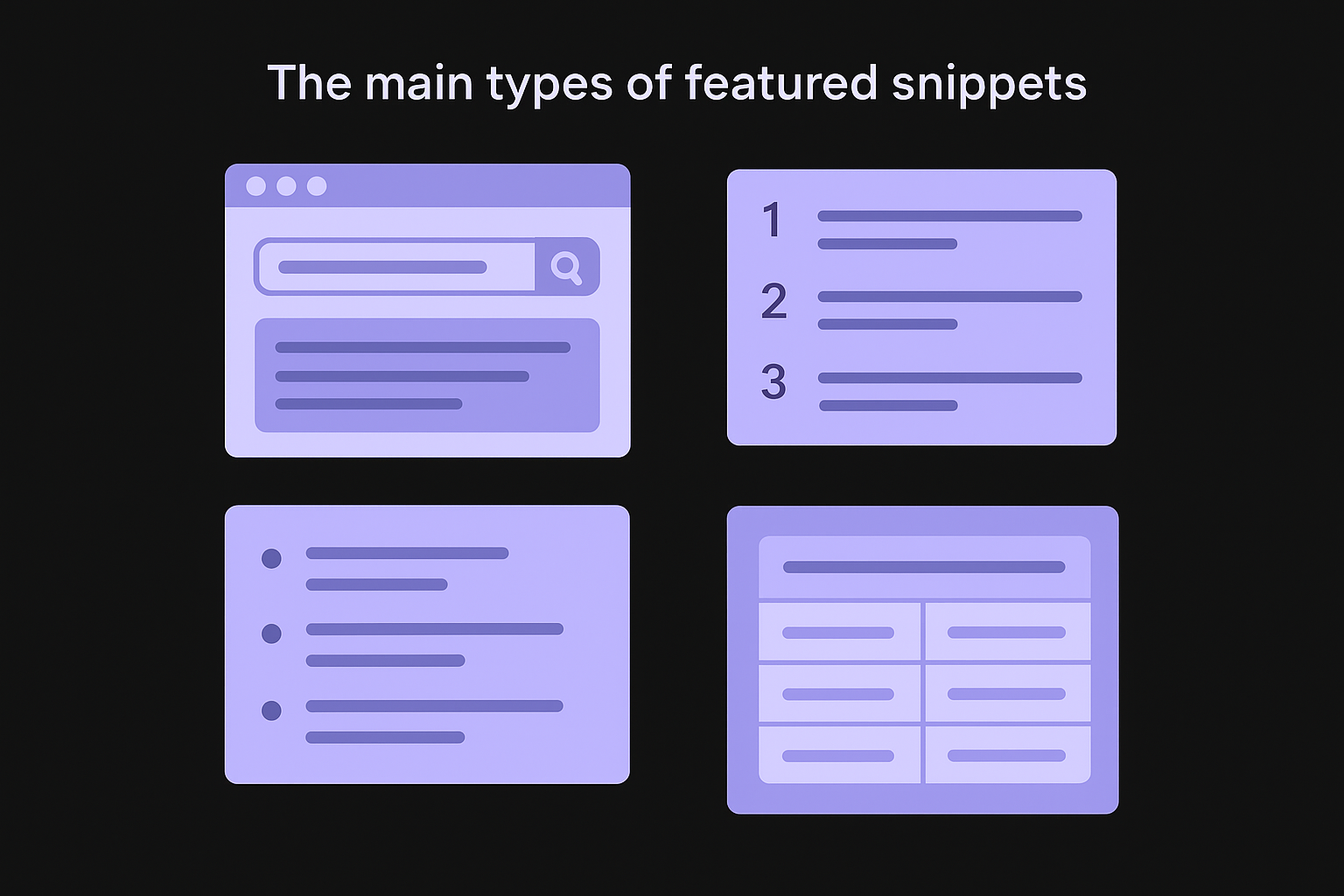
| Snippet Type | What It Shows | Common Query Triggers |
|---|---|---|
| Paragraph | A short text block answering a question | "What is," "How does," "Why is" |
| Numbered list | Ordered steps or ranked items | "How to," "Steps to," "Best ways to" |
| Bulleted list | Unordered items or categories | "Types of," "Examples of," "List of" |
| Table | Structured data with rows and columns | "Prices," "Comparison," "Differences between" |
Paragraph snippets are the most common type and typically appear for definitional or explanatory questions. Numbered list snippets dominate for how-to queries, which is why step-by-step guides consistently rank as some of the strongest candidates for Position Zero. Knowing which type applies to your target keyword tells you exactly how to format your answer section before you write a single word.
How Google selects content for Position Zero
Google doesn't randomly choose which page earns the featured snippet. Its systems look for content that directly and concisely answers the query, pulled from pages that already rank on the first page of results. If your page sits on page two or beyond, it won't be considered no matter how well-structured the content is, so strong foundational SEO remains a hard prerequisite.
Beyond ranking position, Google's algorithms evaluate how clearly the answer is structured. Pages that use question-and-answer formatting, descriptive headings, and tight paragraph lengths consistently outperform pages with dense, unbroken prose. According to Google's Search Central documentation on featured snippets, Google automatically detects information on pages rather than relying on markup. That means your job is to make that detection as easy as possible by placing a clean, direct answer immediately below the relevant heading, keeping it between 40 and 60 words for paragraph snippets, and avoiding filler sentences that push the core answer further down the page.
Step 1. Find queries that trigger featured snippets
Not every search query triggers a featured snippet, so targeting the right keywords is the most important first move you can make. Before you restructure a single page or write a new answer block, spend time identifying queries where Google is already serving a snippet. This tells you exactly where the opportunity exists and what format your content needs to match.
Identify question-based queries in your niche
Start with question-format keywords because they trigger featured snippets at a significantly higher rate than short-tail, transactional queries. Phrases beginning with "how," "what," "why," "when," and "which" consistently pull paragraph and list snippets in Google's results. Pull a list of these question keywords from your existing keyword research, using tactics for uncovering question-based long-tail phrases, and filter for those where your pages already rank between position two and ten. That's your highest-probability target set, since Google picks featured snippets from pages already on page one.
Queries where your page ranks between positions 2 and 10 are your fastest wins for featured snippets optimization, because the ranking foundation is already in place.
Use Google Search Console to find queries that already drive impressions to your site. Filter by queries containing question words, then cross-reference those with pages sitting just outside position one. These represent your lowest-effort, highest-return starting points.
Confirm a snippet is live before you optimize
Before investing time in restructuring a page, verify that Google is actually serving a snippet for your target query. Open a private browsing window and search the keyword directly. If a snippet box appears, note the format (paragraph, list, or table) and the source that currently holds it. Record this information in a simple tracker so you can monitor whether your changes eventually displace the current snippet holder.
| Column | What to Record |
|---|---|
| Target query | The exact search phrase |
| Current snippet holder | URL currently in Position Zero |
| Snippet format | Paragraph, numbered list, bulleted list, or table |
| Your page's current rank | Position on page one |
| Date checked | For tracking progress over time |
Step 2. Match your answer format to the snippet type
Once you know which snippet type Google is serving for your target query, your next job is to structure your content to match that format exactly. This is where most pages fail at featured snippets optimization: they have the right information but present it in the wrong shape. Google's extraction systems look for clear signals, so you need to give the algorithm something easy to pull directly from your page.
Structure paragraph snippets as a direct answer block
For paragraph snippets, place a concise, self-contained answer in the first two to three sentences immediately below the heading that mirrors the target question. Keep your answer between 40 and 60 words, count the words in your answer block to confirm it, avoid introductory filler like "In this article," and don't bury the core response inside a longer block of text. Here's a reusable template you can apply to any page:
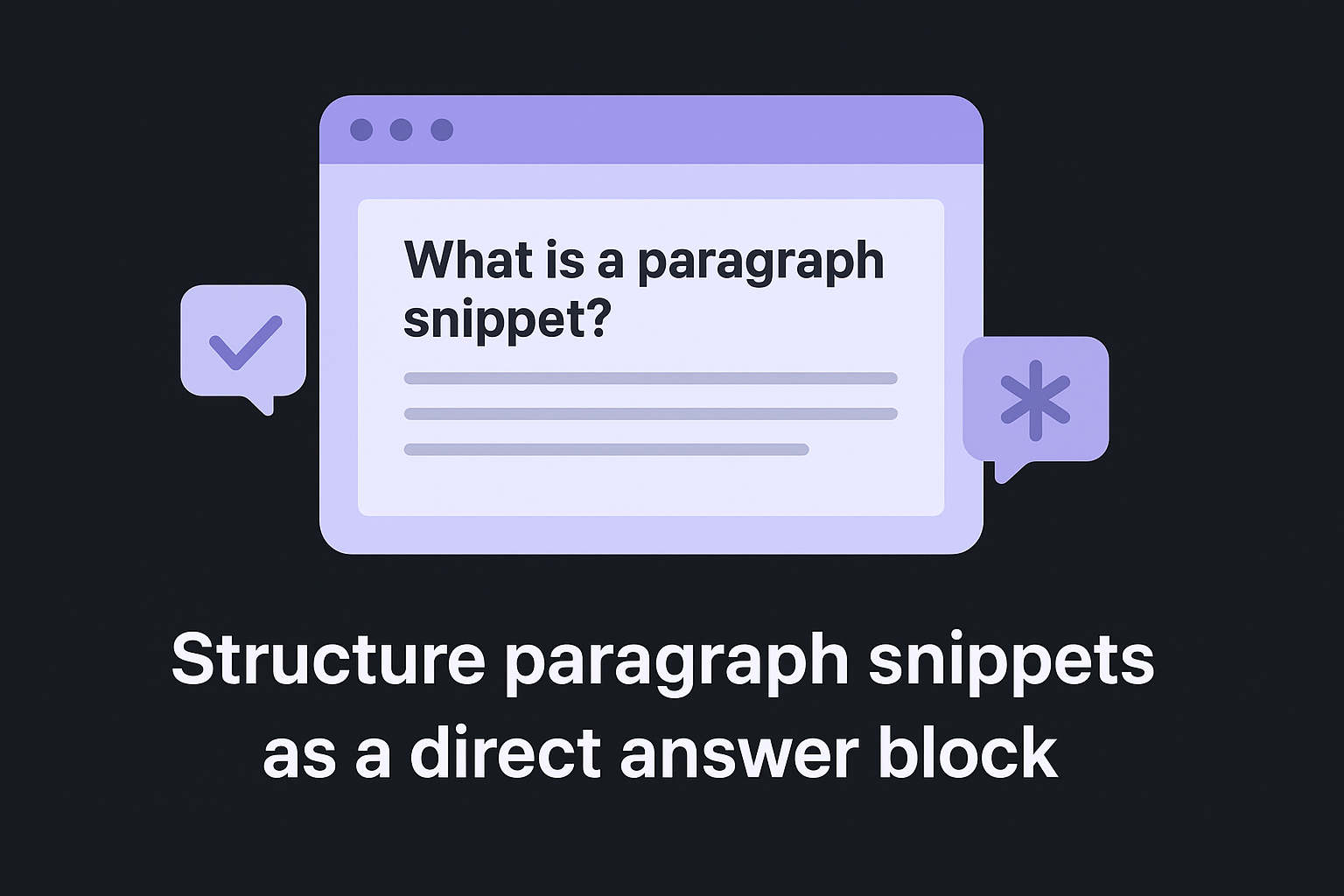
### [Restate the question closely as a heading]

[Direct answer in 40–60 words. Start with the subject of the
question. Skip phrases like "Great question" or "In this section."
Just answer immediately and clearly.]
The heading above your answer block should mirror the exact phrasing of the target query, because Google uses that heading as a relevance signal when selecting which paragraph to extract, so it pays to check your page's heading outline before publishing.
Structure list and table snippets with clean markup
For numbered list snippets, write an ordered Markdown or HTML list where each item is a distinct, parallel step starting with an action verb. For table snippets, build a two-column or multi-column table where headers reflect what users are directly comparing. Avoid complex merged cells or nested layouts that make automated extraction unreliable.
Here is a template for targeting a numbered list snippet:
### How to [complete the task]

One-sentence intro stating what the steps accomplish.

1. [Action verb + short label, under 10 words]
2. [Action verb + short label, under 10 words]
3. [Action verb + short label, under 10 words]
Each list item should be short and parallel in structure so Google can display the full list cleanly inside the snippet box.
Step 3. Improve the page so Google trusts it for position zero
Formatting your answer correctly gets you into contention, but page-level trust signals determine whether Google chooses your version over a competitor's. For featured snippets optimization to work, the page hosting your answer block needs to demonstrate credibility through its structure, content depth, and authority signals. A clean answer format on a thin, poorly-supported page rarely wins Position Zero.
Strengthen On-Page Trust Signals
Google evaluates the overall quality of the page surrounding your answer block, not just the answer itself. Make sure the page covers the topic thoroughly with supporting sections that go beyond the snippet answer, which is the core of optimizing content so it fully satisfies a query. Add an author bio or clear attribution where relevant, and link out to authoritative primary sources like Google Search Central to signal that your content is grounded in reliable information. A page that answers the primary question and then supports it with deeper context consistently outperforms shallow pages.
Your snippet answer should sit within a page that fully satisfies the topic, not a page built purely to win the snippet box.
Also review your page's readability and technical health, working through a step-by-step technical health check. Pages with slow load times, poor mobile experience, or cluttered layouts send negative quality signals. Use Google's PageSpeed Insights to identify performance issues and fix them before expecting any snippet gains.
Build Internal Links to the Target Page
Internal links from relevant, high-authority pages on your own site pass trust directly to your snippet candidate page, which is why how internal links move authority between pages matters here. Identify three to five pages on your site that cover related topics, then add a contextual link from each to the page you want to rank in Position Zero. Use descriptive anchor text that matches the topic of the target page rather than generic phrases like "click here." This gives Google a stronger relevance signal and reinforces the page's topical authority within your site's structure.
Step 4. Measure results and keep your snippet once you win it
Winning a featured snippet doesn't mean your work is done. Google reassigns Position Zero regularly based on changes to competing pages, algorithm updates, and shifts in how users phrase queries. You need a simple monitoring routine to track whether your optimizations worked and to defend the snippets you win over time.
Track Your Snippet Status Weekly
Set up a weekly review process using Google Search Console to track SEO performance and check click-through rate changes on the pages you optimized. A sudden jump in CTR for a specific query is often the first signal that you've won the snippet, since Position Zero typically pulls a much higher share of clicks than standard organic positions. Also run manual spot checks by searching your target queries in a private browsing window to confirm the snippet is live and pointing to your page.
Use this tracking template to stay organized:
| Target Query | Snippet Won (Y/N) | Date Won | Current CTR | Last Checked |
|---|---|---|---|---|
| How to [topic] | Y | 2026-05-10 | 38% | 2026-06-19 |
| What is [term] | N | - | 4.2% | 2026-06-19 |
A spike in CTR for a specific query in Google Search Console is one of the clearest signals that your featured snippets optimization effort paid off.
Refresh Your Content to Hold Position Zero
Competitors will notice when you hold a snippet and will update their pages to displace you. Review your target pages every 60 to 90 days to confirm the answer block still directly addresses the query, uses current information, and stays within the recommended word count. If a competitor's page starts climbing above yours in the organic results, treat that as a signal to expand your content depth and refresh your supporting details.
Update the publication date only when you make substantive changes to the content itself, not cosmetic edits. Hollow date updates won't protect your snippet position and can undermine the credibility signals Google uses when evaluating your page.

Next Steps
Featured snippets optimization comes down to four repeatable actions: find queries that already trigger snippets, match your answer format to what Google is extracting, build page-level trust signals, and track your results consistently so you can defend the positions you win. None of these steps require a large budget or a dedicated SEO team. They require structured content and a disciplined review routine.
Start with one page this week. Pick a query where you already rank between positions two and ten, confirm a snippet is live, and reformat your answer block using the templates in this guide. One optimized page can start returning results within a few weeks, and the process gets faster each time you repeat it.
If you want to scale this across your entire site without doing it manually for every article, you can hand keyword research, writing, and publishing to RankYak, which builds every piece of content with the structure and search intent alignment you need to compete for Position Zero from day one.
Allan de Wit is a co-founder of RankYak and has worked in SEO since 2015: inside agencies, alongside them, for clients directly, and in-house on the products being ranked. He came to it as a software engineer building for marketers, which is why the platform is built the way it is. He went on to start companies of his own, two of which were acquired. At RankYak he sets the product direction and owns the features, the quality bar, the design, and the UX.
