White Label SEO Reports: What They Are And How To Automate
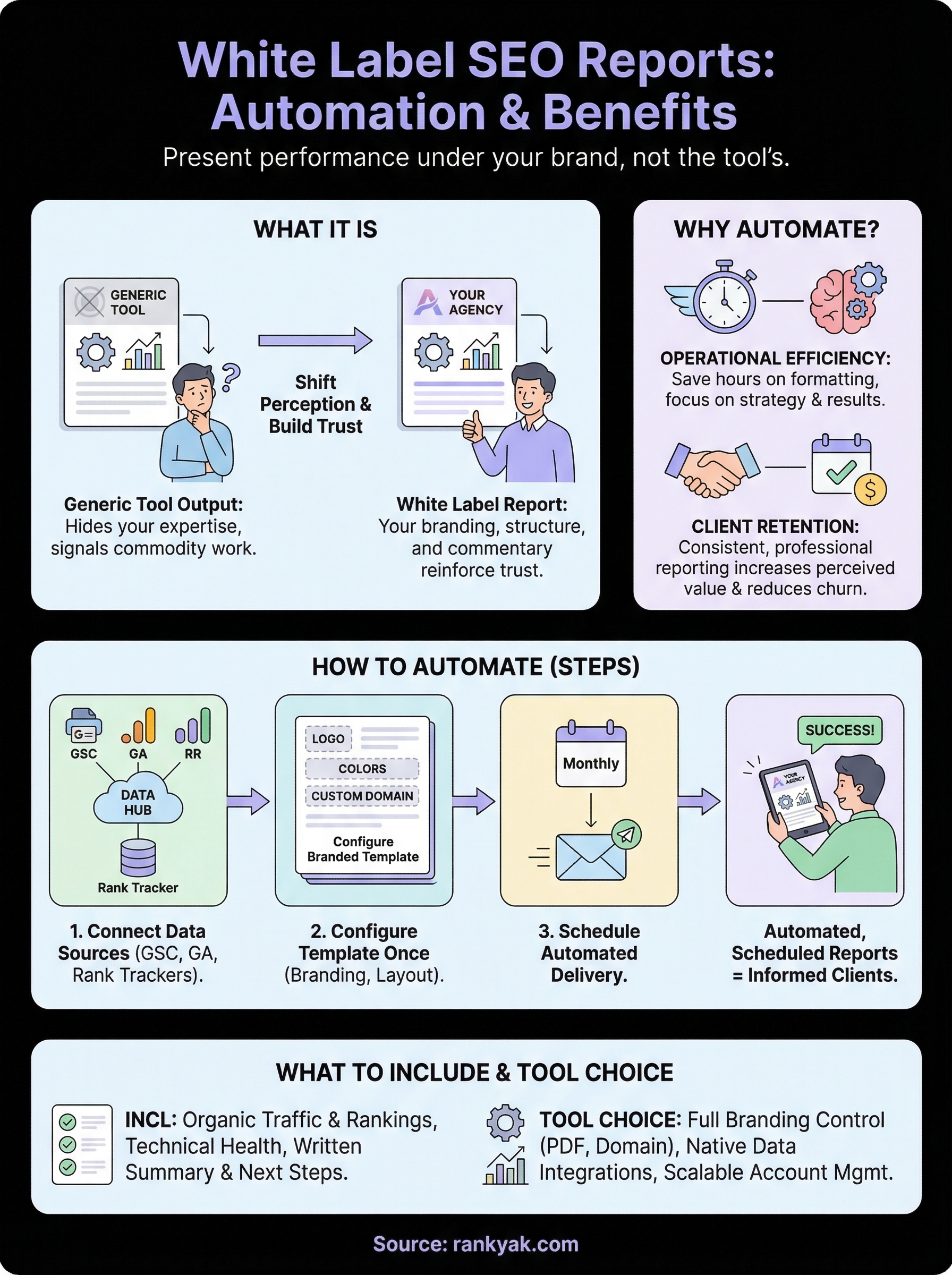
Your agency does the SEO work. Your client sees the results. But the moment you send a report plastered with another tool's logo, you chip away at the perception that you're the expert. That's exactly the problem white label SEO reports solve, they let you present performance data under your own brand, reinforcing trust and professionalism with every monthly update.
For agencies and consultants running SEO at scale, reporting can quietly become one of the biggest time sinks. Pulling data, formatting dashboards, swapping out logos, exporting PDFs, it adds up fast. The good news: most of this can be automated, freeing you to focus on the work that actually moves rankings. If you're already using tools like RankYak to automate content creation and publishing for multiple client sites, pairing that with automated branded reporting closes the loop between execution and client communication.
This article breaks down what white label SEO reports actually are, why they matter for client retention, and how to set up a reporting workflow that runs itself. We'll also cover what to look for in a reporting tool and common mistakes that make reports less useful than they should be.
What white label SEO reports are
White label SEO reports are performance documents you deliver to clients that carry your agency's branding rather than the branding of the tool that generated the underlying data. The name comes from the broader concept of white labeling: taking something built by one company and presenting it under your own name and identity. In SEO, that means pulling data from rank trackers, site audit platforms, and search consoles, then packaging it into a report that looks like your agency built every element of it from the ground up.
The "white label" part explained
When a reporting tool generates a dashboard or PDF, it typically stamps its own logo, color scheme, and platform name across every page. Without white labeling, your client sees the software's brand in every chart header and footer. White label functionality lets you swap all of that out for your own agency's visual identity, including your logo, color palette, custom domain, and contact details. From the client's perspective, they receive a polished document directly from their SEO partner, with no visible trace of any third-party platform involved.
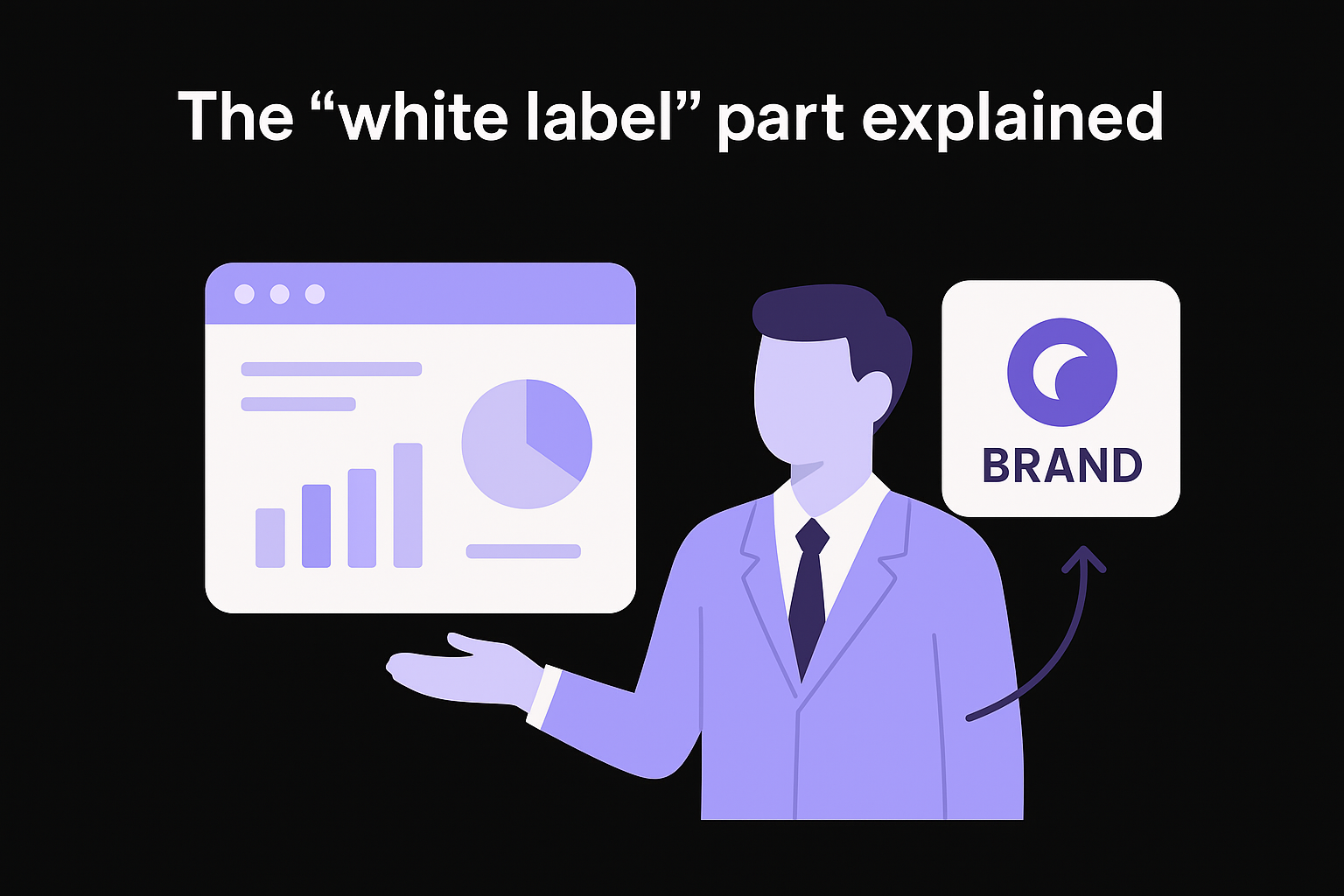
The goal isn't to hide which tools you use. It's to make sure your agency gets credit for the work, not the software running in the background.
What goes into the report versus what stays invisible
The visible layer of white label SEO reports is entirely yours: your branding, your report structure, and your written commentary. The invisible layer is the data pipeline drawing from sources like Google Search Console, rank trackers, backlink databases, and technical audit tools. Your clients don't need to know what's feeding the numbers. What they need is a clear, readable summary of what happened to their site and what actions you're taking based on that data.
Keeping this separation matters for how clients perceive your work. When a report looks consistent, branded, and professionally structured, clients associate the results with your team's expertise rather than a generic tool output. That perception directly shapes client retention rates and the perceived value of the monthly retainer you charge. A report that shows another platform's logo signals commodity work anyone could buy. A report that shows your brand signals an accountable, invested partner who owns the process.
Why agencies use white label SEO reports
Agencies that deliver white label SEO services don't just use branded reports to look polished. The reasons run deeper into how clients decide whether to stay with a service provider, how teams manage time across multiple accounts, and how agencies position their work against competitors. Consistent, professional reporting is one of the most direct ways to show that you're actively managing a client's SEO rather than just running tools and forwarding screenshots.
Client trust and retention
When clients receive white label SEO reports that carry your branding throughout, every data point reinforces the message that your agency owns the process. Clients evaluate whether their investment is worth renewing, and a clearly presented, branded report gives them a concrete artifact that represents your work. Without it, they're looking at generic tool output with no agency identity attached.
Clients who clearly understand what they're paying for are far less likely to churn, and a well-structured branded report makes your work visible in a way that raw dashboards never do.
Retention rates improve when reporting is predictable, scheduled, and consistent. Clients who receive clear performance updates on a regular cadence feel informed and involved. That sense of control over the investment reduces the anxiety that often leads to contract cancellations before results fully materialize.
Operational efficiency
Managing reporting manually across dozens of client accounts consumes hours every month. Automating branded reports lets your team spend time on strategy and execution rather than formatting PDFs or swapping logos. The more accounts you manage, the sharper this efficiency gap becomes.
Agencies that build automated reporting workflows early scale much more effectively. Instead of adding headcount every time you win new clients, the reporting process handles itself, and your team focuses on delivering results.
What to include in a white label SEO report
The content of your report determines whether clients walk away informed or confused. White label SEO reports work best when they balance raw data with clear interpretation, giving clients the numbers they care about alongside a plain-language summary of what those numbers mean for their business.
Core performance metrics
Every report needs a consistent set of metrics so clients can follow progress over time, so decide early which SEO metrics to track month over month. Organic traffic trends from Google Search Console show whether visibility is growing, and keyword ranking movement gives context for why traffic changed. Pair those with total impressions and click-through rates to show how often the site appears in search results versus how often users click through.
Rankings and traffic tell different stories, and showing both together gives clients a much fuller picture than either metric alone.
Technical health data belongs here too. Include a summary of crawl errors, page speed scores, and Core Web Vitals pulled from the white label SEO audit tools connected to your reporting workflow. Clients don't need every technical detail, but a high-level status indicator showing whether the site is healthy or has open issues reinforces that you're monitoring more than just rankings.
Written commentary and next steps
Raw numbers without explanation leave clients to draw their own conclusions, which often leads to misinterpretation. Add a short written summary at the top of each report that explains what changed, why it changed, and what you plan to do next. This turns a data dump into a strategic communication tool that demonstrates your thinking, keeps clients aligned with your roadmap, and helps you write SEO reports clients actually understand.
Include a clear action list for the upcoming period so clients know exactly what work is coming next.
How to automate white label SEO reporting
Automating white label SEO reports starts with choosing a tool that connects directly to your data sources and generates branded output without manual intervention. The goal is to build a reporting workflow where you configure the template once, map the data feeds, and let the system handle generation and delivery on a fixed schedule each month. Once that infrastructure is in place, reporting stops being a recurring task and becomes a background process, and a step-by-step setup for automated SEO reporting gets you there faster.
Connect your data sources first
Most reporting platforms pull data from Google Search Console and Google Analytics through API connections you authorize during setup. Once connected, the platform reads ranking data, traffic numbers, and technical metrics automatically, which is what feeds the SEO reporting dashboard examples and KPIs clients see. You should also connect your rank tracker and backlink monitoring tool if the platform supports those integrations, so every report draws from a complete data set rather than a partial snapshot.
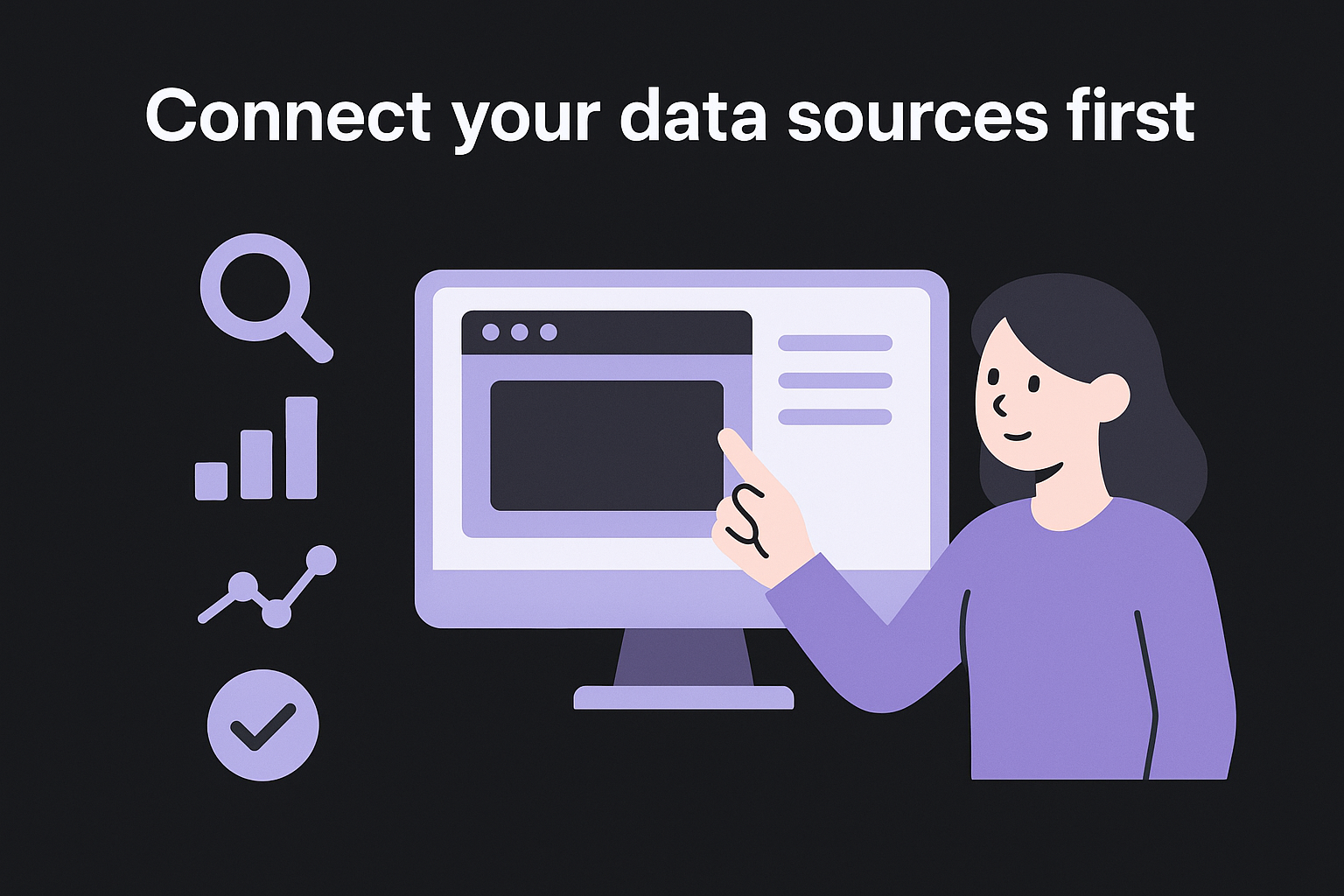
The more data sources you connect upfront, the less you need to touch each report manually before it goes out.
For agencies that want a free starting point, Google Looker Studio lets you build custom branded dashboards that pull live data directly from Google's own products. It takes more configuration time than dedicated reporting tools, but it gives you full control over layout and branding at no additional cost.
Schedule and send automatically
Once your template and data connections are in place, set a recurring send schedule that matches your reporting cadence, typically monthly. Configure the platform to generate the report, apply your branding, and deliver it directly to each client on the scheduled date. Some platforms let you build client-specific report configurations so each account receives a version tailored to their tracked keywords and goals, all without manual preparation before each send.
How to pick a white label reporting tool
Not all white label SEO platforms for agencies offer the same depth of white labeling, and choosing the wrong one means rebuilding your setup every time you hit a limitation. When evaluating options, focus on how completely the tool removes third-party branding, how many data sources it connects to natively, and whether it supports automated scheduled delivery without manual intervention.
Branding control
The minimum you need is logo replacement and custom color schemes throughout every report. Better tools go further, letting you configure a custom sender domain so delivery emails come from your agency's address rather than the platform's. Verify that the tool applies your branding to every export format, including PDFs and live dashboard links, since some platforms only white label one output type.
Also confirm whether client-facing dashboard URLs reflect your domain rather than the tool's, because a branded link builds far more trust than a generic platform URL sitting in a client's browser tab.
If a client ever sees the reporting tool's name in an email header, the white labeling has already failed its core purpose.
Data coverage and account management
Your white label SEO reports are only as useful as the SEO analytics software feeding them. Prioritize tools that connect natively to Google Search Console and Google Analytics without requiring manual exports each reporting cycle. The more integrations available out of the box, the less time you spend on data prep before each report goes out.
Confirm that the tool lets you build separate report configurations per client rather than applying one global template across every account. As your agency scales, managing individual client profiles from a single dashboard keeps reporting overhead low and errors minimal.
Next steps
White label SEO reports turn your client communication from an afterthought into a retention tool. When you combine branded reporting with a consistent content delivery system, clients see both the strategy and the results in one clear picture. The reporting side is largely a setup problem: pick a tool with full branding control, connect your data sources, build your templates, and schedule delivery. After that initial configuration, the process runs without you touching it each month.
The harder part for most agencies is having consistent SEO results to actually report on. Ranking improvements require regular, high-quality content published on a predictable schedule, and that's where most teams fall behind. Automating content creation alongside your reporting workflow means you always have forward momentum to show clients. If you want to put content production on autopilot the same way you've automated reporting, see how RankYak runs every client site from one account and how fast a daily content system builds real ranking momentum.
Lars Koole is a co-founder of RankYak and has worked in SEO since 2021, on the side where a strategy has to become a live page: inside agencies, alongside them, for clients directly, and in-house on the products being ranked. He is a software engineer by trade, which is how that page gets built. Before RankYak he founded companies of his own, two of which were acquired. At RankYak he owns the engineering and everything AI, and works out the solution and the implementation of each new feature.
