Site Architecture For SEO: What It Is And How To Build It
If Google can't find your pages, it can't rank them. That's the blunt truth behind site architecture for seo, and it's why so many well-written articles sit buried on page 5 with zero traffic. You can publish great content every day, but if it's three clicks deep with no internal links pointing to it, crawlers and readers alike will miss it.
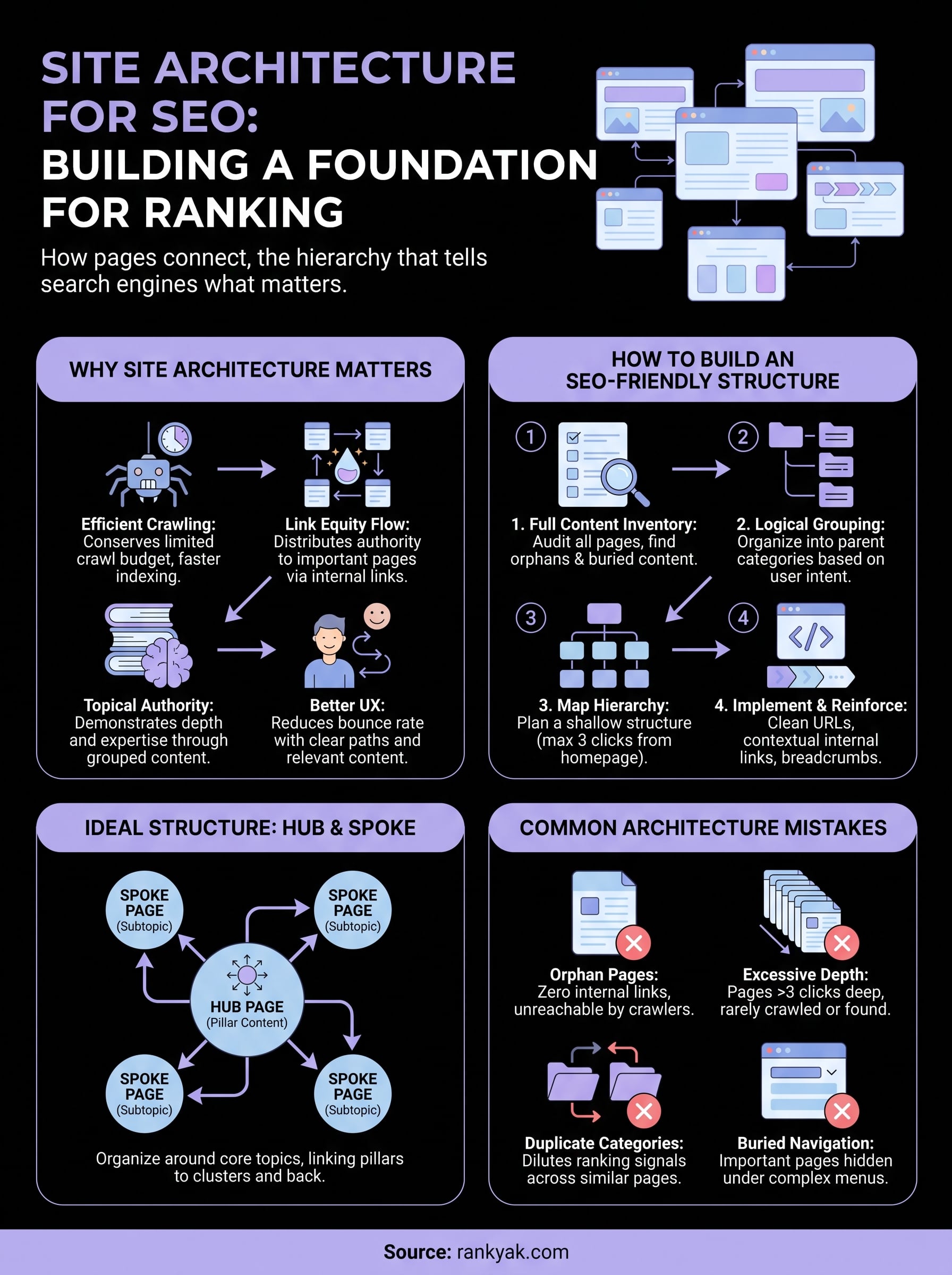
Site architecture is simply how your pages connect to each other, the folder structure, the internal linking, the navigation menus, and the hierarchy that tells search engines what matters most on your site. Get it right and you get faster crawling, stronger topical authority, and visitors who actually find what they came for instead of bouncing.
This article breaks down what site architecture actually means, why it directly affects your rankings, and how to build a structure that works, from flat hierarchies to topic clusters and internal linking patterns. We'll also cover the common mistakes that quietly bury pages, along with a practical framework you can apply whether you're organizing 20 pages or 2,000.
Why site architecture matters for SEO
Search engines don't experience your site the way a visitor does. Googlebot crawls your pages by following links, and every click it takes away from your homepage costs crawl budget and dilutes the signal that a page matters. A flat, logical structure means crawlers can reach your deepest content in two or three clicks instead of six. A tangled one means your best articles might never clear crawling and indexing at all, no matter how good the writing is.
Crawl budget isn't unlimited
Google allocates a finite amount of crawling attention to every site, and larger sites feel this constraint the hardest, which makes getting Googlebot to crawl more of your pages a priority. According to Google's own guidance on crawl budget management, sites with thousands of URLs need to actively manage how crawlers spend their time, because wasted crawls on low-value pages mean fewer visits to the pages you actually want ranked. A clean site architecture naturally solves this by grouping related content, trimming redundant URLs, and making sure your most important pages sit close to the root.
A page buried five clicks deep might as well not exist to Google.
Link equity has to flow somewhere
Every internal link passes a portion of a page's authority to the page it points to. This is the same logic behind PageRank, and it hasn't gone away just because the algorithm has evolved. When your internal linking is scattered or your navigation buries category pages under dropdown menus nobody clicks, you're choking off the flow of authority to pages that need it most. Here's what typically drains link equity from a site:
- Orphan pages with zero internal links pointing to them, often old blog posts or outdated landing pages
- Deep nesting, where a page sits under four or five parent categories before a visitor (or crawler) reaches it
- Inconsistent anchor text that gives crawlers no clear signal about what the linked page covers
- Navigation menus that hide category pages, forcing both users and bots to dig through search or sitemaps to find them
Fix these and you redirect authority toward the pages you actually want to rank, rather than leaving it stranded on pages nobody links to.
Structure builds topical authority
Google rewards sites that build topical authority by demonstrating depth on a subject, not just isolated pages that happen to rank for one keyword. A hub and spoke model, where a content pillar links out to a cluster of related subtopics and those subtopics link back to the pillar, tells search engines exactly how your content fits together. This is the backbone of what's often called website structure for SEO: grouping content into topic clusters rather than by publish date or arbitrary categories. Without that grouping, you end up with dozens of pages competing against each other for the same keyword instead of reinforcing one clear topic.
Think of it like a library. A library organized by subject lets you find every book on a topic in one aisle. A library where books are shelved randomly by the day they arrived forces you to search the entire building for the same information. Search engines navigate your site the same way, and a clear topic hierarchy is what lets them map your expertise on a subject instead of treating each page as an isolated island.
User behavior reinforces the same signals
Site architecture doesn't just affect crawlers, it shapes what real visitors do once they land on your page. If someone arrives on a blog post and can't find a clear path to related content or the page that actually answers their next question, they bounce back to the search results. That bounce is a signal, and repeated bounces on a topic tell Google your site isn't satisfying the query as well as a competitor's. A structure with clear categories, breadcrumb navigation, and contextual internal links keeps visitors moving through your site instead of leaving after one page.
| Structure quality | Typical crawl depth | Visitor behavior |
|---|---|---|
| Flat, well-linked | 2-3 clicks from homepage | Lower bounce rate, longer sessions |
| Deep, poorly linked | 5+ clicks from homepage | Higher bounce rate, orphaned traffic |
| No clear hierarchy | Inconsistent, some pages unreachable | Confused navigation, lost conversions |
When you put these pieces together, crawl efficiency, link equity, topical grouping, and user behavior, you can see why architecture isn't a technical afterthought. It's one of the few SEO levers that affects every single page on your site at once, which is exactly why fixing it tends to produce broader gains than optimizing any one article in isolation.
How to build an SEO-friendly site architecture
Building a solid site architecture isn't something you bolt on after the fact. It works best when you plan it before you publish a hundred pages, though the same process applies just as well to a site that's already sprawling and disorganized. The goal is simple: group related content, keep every important page within a few clicks of the homepage, and make the hierarchy obvious to both visitors and crawlers.
Start with a full content inventory
Before you can fix your structure, you need to see what you actually have. Crawl your site with a tool that maps every URL, its title, its internal links, and its current position in the hierarchy. This step exposes the orphan pages, the duplicate category pages, and the content that's technically live but buried so deep nobody, including Google, ever finds it. Google's own documentation on how Search works is worth reviewing here, since it explains exactly how crawling and indexing depend on the paths you give bots to follow. Once you have the full list, sort it by topic rather than by publish date, and you'll immediately start to see natural clusters forming.
Group pages into logical categories
Once you know what you have, sort every page into a small number of parent categories that reflect how a visitor actually thinks about your topic, not how your internal team labels things. A software company selling project management tools shouldn't organize blog content by "2023 posts" and "2024 posts." It should organize by "task management," "team collaboration," and "reporting," because that's how someone searching for help actually frames the problem. This grouping is what eventually becomes your hub and spoke model, with each category page acting as a pillar that links down to specific articles and back up to a broader resource.
Map the hierarchy before you build it
Sketch the structure out visually before touching your CMS, starting from a topical map of pillars and the supporting articles beneath them. A simple three-tier map works for most sites:
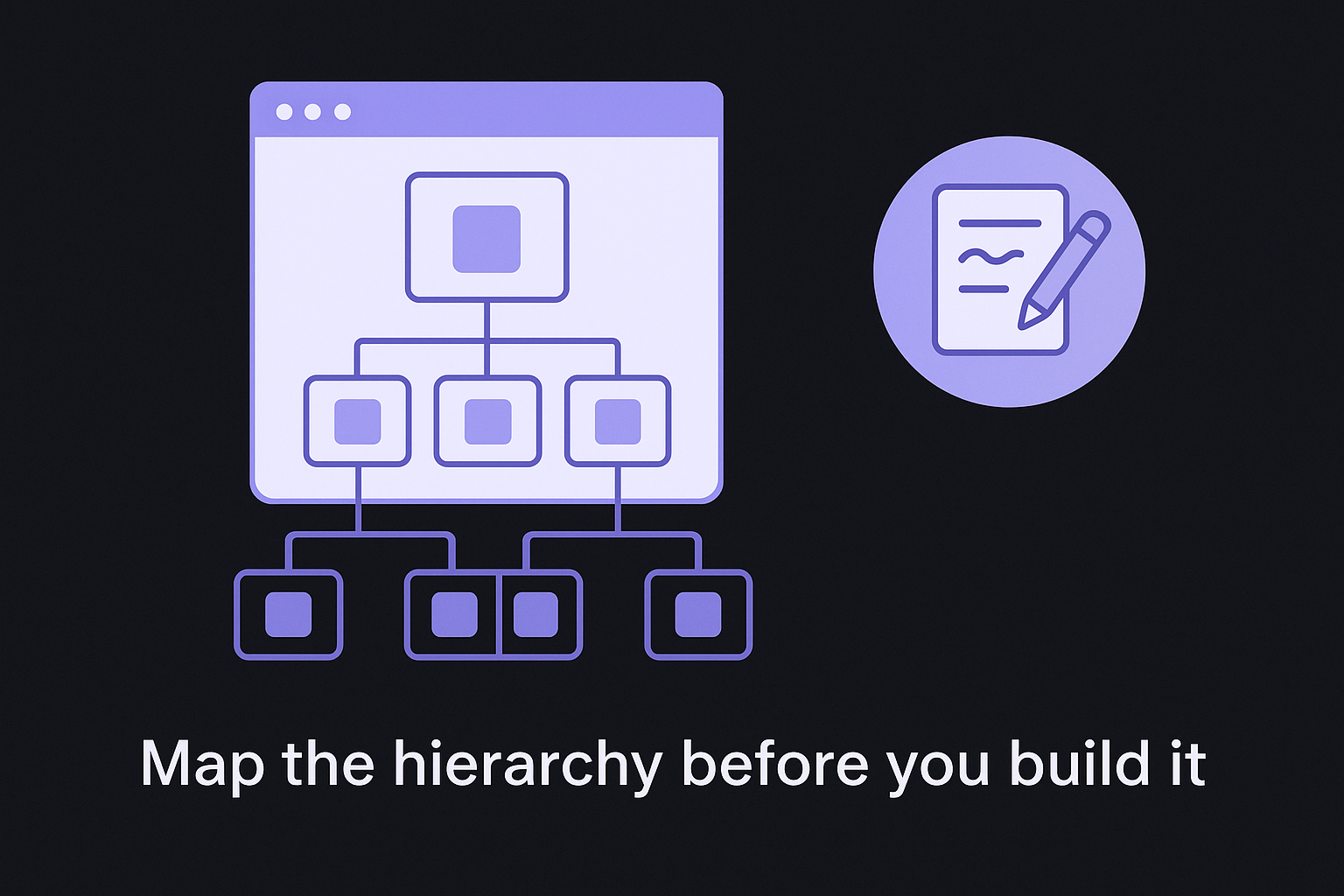
- Homepage links to a handful of top-level category or hub pages
- Category pages link to individual articles or product pages within that topic
- Individual pages link back to their category and sideways to closely related content
This is where you decide how deep is too deep. Most SEO practitioners agree that any page more than three clicks from the homepage is at real risk of being under-crawled and under-linked.
If a page takes four clicks to reach, treat that as a structural bug, not a minor inconvenience.
Keep the hierarchy shallow and consistent
Resist the urge to add sub-sub-categories just because your content management system makes nested folders easy. Every extra layer dilutes the link equity that flows from your homepage down to individual pages, and it adds friction for visitors trying to find something specific. A flat structure with well-labeled categories will almost always outperform a deep, elaborate one, even on sites with thousands of pages. Amazon's own category pages are a useful real-world reference: even with millions of products, most items sit only three or four clicks from the homepage, because their architecture prioritizes shallow, well-linked paths over rigid taxonomy purity.
Once the map exists on paper, implementing it becomes a matter of updating navigation menus, adding internal links, and fixing redirects, work we'll cover in detail in the sections ahead.
Choosing the right website structure for your site
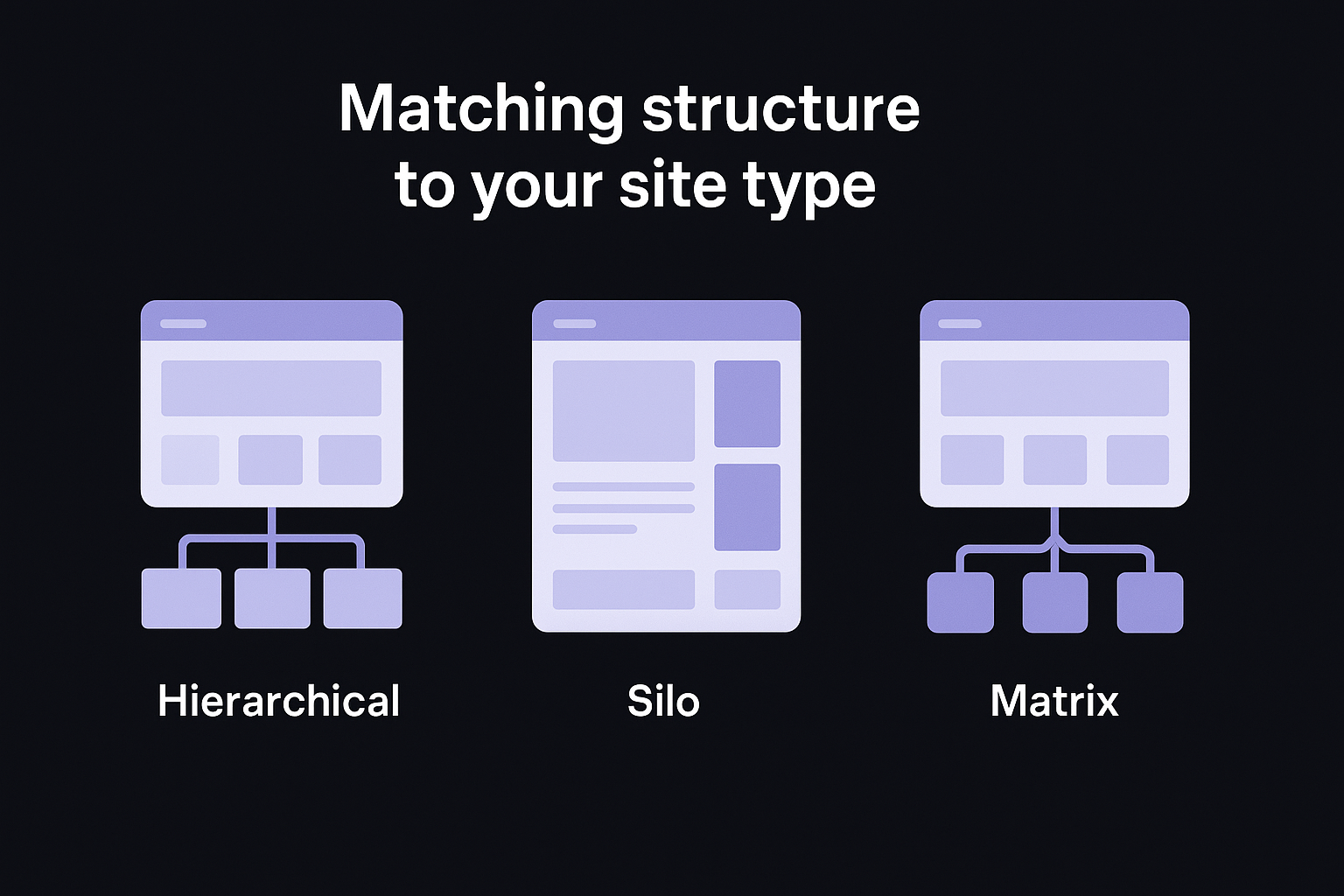
Not every site needs the same shape. A hierarchical structure, where a homepage feeds into category pages that feed into individual articles or products, works for the vast majority of blogs, SaaS sites, and small ecommerce stores. But a sprawling marketplace with tens of thousands of SKUs or a local business with a handful of service pages will need different variations on that same idea. The right choice depends less on personal preference and more on how many pages you have, how they relate to each other, and how a visitor naturally searches for what you offer.
Hierarchical structure fits most content sites
Most blogs, agencies, and B2B software sites should default to a hierarchical structure: homepage at the top, a handful of category or hub pages beneath it, and individual pages nested one level below that. This mirrors the hub and spoke model we covered earlier, and it scales cleanly whether you have 50 pages or 5,000. The key is discipline. Resist adding a fourth or fifth tier just because a topic feels like it deserves its own sub-category. Every additional layer pushes pages further from the homepage and thins out the link equity that reaches them.
Silo structures work when topics shouldn't overlap
A silo structure takes hierarchy a step further by strictly separating topics so pages in one silo rarely link to pages in another. This suits sites where topics genuinely don't overlap, think a legal firm covering both personal injury and estate planning, where cross-linking between the two would confuse both users and search engines about what each section is really about. The tradeoff is flexibility. Silos work great for topical clarity but can feel rigid if your content naturally spans multiple categories, which is common for broader blogs or resource hubs.
Pick the structure that matches how customers already think about your topic, not the one that's easiest to build in your CMS.
Matching structure to your site type
Ecommerce sites face a different challenge than content sites, so an ecommerce SEO strategy has to cope with massive page counts and frequent inventory changes. A matrix structure, where products link across multiple relevant categories (a running shoe might sit under both "men's footwear" and "trail running gear"), often works better than a strict silo because it mirrors how shoppers actually filter and search. Here's a quick reference for matching structure to site type:
| Site type | Recommended structure | Why it works |
|---|---|---|
| Blog or content site | Hierarchical, hub and spoke | Groups related articles under topical pillars, reinforces authority |
| SaaS or software site | Hierarchical with feature-based categories | Matches how buyers research by use case, not by internal team labels |
| Ecommerce with broad catalog | Matrix, cross-linked categories | Lets products appear under multiple relevant filters without duplicating pages |
| Legal, medical, or niche service sites | Silo | Keeps distinct service areas clearly separated for both users and crawlers |
| Local business with few pages | Flat hierarchy | Few pages mean minimal nesting; every service page stays close to home |
Don't overthink it at the start
Smaller sites often waste time debating structure before they have enough content to justify the debate. If you're publishing your first 20 or 30 pages, a simple flat hierarchy with three or four category pages will carry you a long way. You can always introduce a silo or matrix approach later once you see which topics are generating enough content to deserve their own dedicated section. Structure should follow content volume, not the other way around.
URL structure best practices for a strong architecture
Your URLs are the clearest signal you can give both visitors and crawlers about where a page sits in your site. A messy URL like /p?id=4471&cat=93 tells nobody anything, while /running-shoes/trail/ instantly communicates category and subcategory before a single word of content loads. Good URL structure isn't cosmetic, it reinforces the same hierarchy you mapped out earlier and makes that hierarchy visible in search results, browser tabs, and shared links.
Mirror your hierarchy without over-nesting
Your URL path should reflect the category structure you built, but it shouldn't mimic every layer of an overly deep folder system. A URL like /blog/category/subcategory/sub-subcategory/post-title/ buries the actual page under four folder levels, and that depth signals to crawlers that the page is a minor, low-priority piece of content even if it's some of your best writing. Aim for one level of category context plus the page slug itself:
Good: /blog/task-management/how-to-prioritize-projects/
Too deep: /blog/productivity/software/task-management/tips/how-to-prioritize-projects/
If you need more than one slash to explain where a page lives, your hierarchy is too deep, not just your URL.
Keep URLs short, readable, and consistent
Short, descriptive URLs get clicked more often in search results and are easier to remember, share, and link to internally, and a URL slug generator turns any title into one. Strip out filler words, dates, and version numbers that add length without adding meaning. A few rules worth applying across every page on your site:
- Use lowercase letters and hyphens, never underscores or spaces, to separate words
- Drop stop words like "and," "the," or "of" unless they're essential to meaning
- Include your target keyword once, naturally, without stuffing variations into the same slug
- Never embed dates in evergreen URLs, since a 2022 date in the path makes a page look outdated even after you update it
- Keep the pattern consistent across the whole site, so every blog post follows the same
/blog/category/slug/format instead of switching structures section by section
Consistency matters more than perfection here. A site where half the URLs follow one pattern and half follow another confuses crawlers trying to understand your taxonomy, and it makes your website structure for SEO look accidental rather than intentional.
Handle restructuring without breaking what already ranks
Restructuring URLs on a live site is where a lot of the SEO gains from better architecture get wiped out by carelessness. If you're moving pages into a new hierarchy, every old URL needs a 301 redirect to its new location, and every internal link pointing to the old URL needs updating rather than relying on redirects to carry the weight forever. Redirect chains, where an old URL redirects to another redirect before finally reaching the live page, waste crawl budget and slow down page load for anyone who lands there. Google's guidance on redirects and Search is a useful reference before you touch a URL that already has backlinks or ranking history, since undoing a careless restructuring costs far more time than planning it correctly up front. Run a full audit of inbound links, both internal and external, before you change a single slash in your URL structure.
Internal linking strategies that reinforce your structure
A well-planned hierarchy only works if your internal links actually point the way through it. You can map out the cleanest hub and spoke model on paper, but if your articles never link to each other, that structure exists only in your head, not in the crawl paths Google actually follows. Internal linking is the mechanism that turns a hierarchy into something crawlers and visitors can navigate, and it's often the cheapest, fastest fix available to a site that already has good content but poor structure.
Link from pillar to spoke and back again
Every hub page should link down to each of its related articles, and every one of those articles should link back up to the hub. This two-way relationship is what actually builds topical authority rather than just implying it. A pillar page on "email marketing" should link to spoke articles on subject lines, automation, and list segmentation, and each of those spoke pages should link back to the pillar plus sideways to the other spokes when it's genuinely relevant. Skipping the return link is one of the most common gaps we see: sites build the pillar, publish the spokes, and forget to close the loop.
A hub page with no links back from its spokes is a hierarchy that only exists in one direction.
Use descriptive anchor text, not "click here"
Anchor text tells both readers and crawlers what to expect on the other end of a link, and vague phrasing wastes that signal entirely. Compare these two approaches:
- Weak: "For more on this topic, click here."
- Strong: "Here's how to build a hub and spoke model that actually holds up."
The second version gives Google a clear topical cue about the destination page, reinforcing the same keyword relationships you established in your site architecture for SEO. Vary the exact phrasing across different links pointing to the same page so it doesn't look manipulative, but never sacrifice clarity for variation.
Add contextual links as you publish, not after
New articles almost always fit into an existing cluster, and linking them in immediately prevents the orphan page problem before it starts. Build a short checklist into your publishing process:
- Link the new page up to its relevant hub or category page
- Link from at least two existing related articles down to the new page
- Add the new page to any relevant navigation or sitemap listing
- Confirm the new page links back out to at least one closely related piece
Skipping this step is how sites end up with dozens of pages that only your XML sitemap knows about, pages with zero internal links pointing to them and correspondingly weak rankings.
Use breadcrumbs to reinforce hierarchy visually
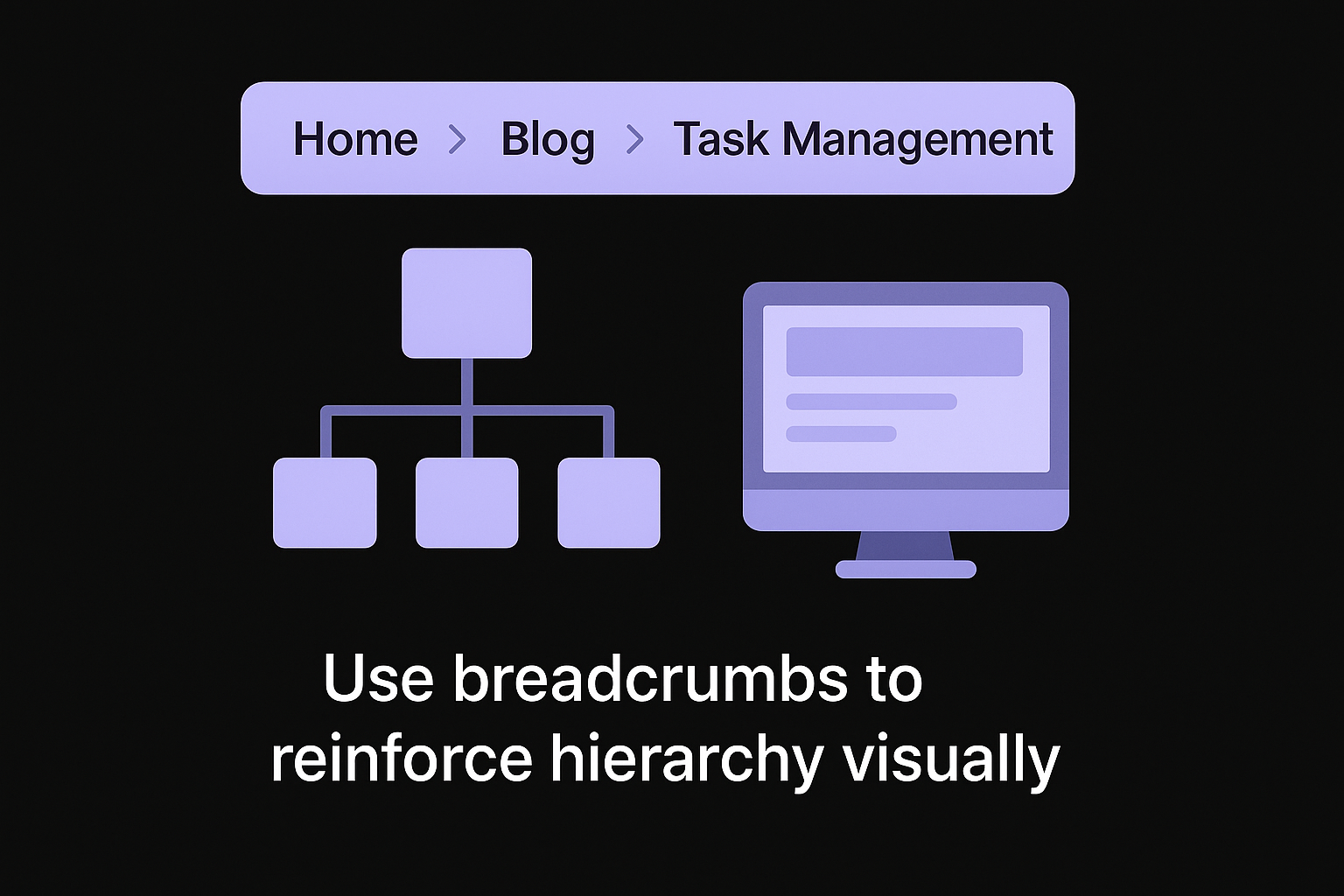
Breadcrumb navigation does double duty: it helps visitors understand where they are, and it gives crawlers an explicit, repeated statement of your hierarchy on every single page. A breadcrumb trail like Home > Blog > Task Management > How to Prioritize Projects mirrors the URL structure you built earlier and reinforces it with actual clickable links rather than just a visual path. Google can also surface breadcrumbs directly in search results, which makes your listing easier to scan and slightly more clickable. If your CMS supports schema markup for breadcrumbs, turn it on, or write the breadcrumb JSON-LD yourself. It costs almost nothing to implement and pays back in both crawl clarity and a cleaner search snippet.
Common site architecture mistakes that hurt rankings
Even sites with great content routinely undo their own progress with structural mistakes that seem small in isolation but compound across hundreds of pages. Most of these errors aren't dramatic. They're the kind of thing that gets left alone for years because nobody notices until traffic stalls and a full audit finally surfaces the damage. Fixing them is rarely glamorous work, but it's often the single highest-leverage change you can make to an underperforming site.
Orphan pages nobody links to
Orphan pages are articles or product listings with zero internal links pointing to them, reachable only through a sitemap or internal search. Googlebot can technically find these pages through your XML sitemap, but a page with no internal links carries almost no link equity and sends a weak signal about its importance. This happens constantly after site redesigns, when old category pages get rebuilt and nobody goes back to relink the articles that used to sit under them. Run an audit that crawls your whole site periodically and cross-reference the report against your sitemap. Any page that shows up in the sitemap but nowhere in your internal link graph needs attention immediately.
Excessive click depth
Getting a page five or six clicks from the homepage is one of the most common ways sites bury their own best content. It usually happens gradually: a category grows, someone adds a subcategory to keep things tidy, then a sub-subcategory follows, and suddenly a genuinely useful article sits behind four layers of navigation nobody actually uses.
Every extra click between your homepage and a page is a chance for both crawlers and visitors to give up before they get there.
Flatten the structure whenever you find this pattern rather than adding another link deep in a menu to compensate.
Duplicate or thin category pages
Creating a new category page for every minor variation of a topic splits your ranking signals across pages that should really be one strong page, the classic setup for keyword cannibalization. A site with separate pages for "running shoes," "running sneakers," and "shoes for running" isn't building topical authority, it's diluting it across three pages competing with each other instead of one page competing with the market. Consolidate overlapping pages and redirect the weaker ones into the strongest version.
Navigation that hides important pages
Mega-menus and multi-level dropdowns look polished, but they often bury category pages so deep that even engaged visitors never click through to them. If a page requires hovering over three nested menu items to reach, don't be surprised when both users and crawlers skip it entirely.
Here's a quick reference for the mistakes that show up most often during audits:
| Mistake | Why it hurts rankings | Quick fix |
|---|---|---|
| Orphan pages | No link equity flows in, weak crawl signal | Add contextual internal links from related pages |
| Deep click depth | Pages under-crawled, users give up | Flatten hierarchy, add hub-level links |
| Duplicate categories | Ranking signals split across pages | Consolidate and 301 redirect the weaker page |
| Buried navigation | Pages effectively invisible to users | Simplify menus, surface key pages higher |
| Inconsistent URL patterns | Confuses crawlers about taxonomy | Standardize the URL format sitewide |
Most of these mistakes share a root cause: structure that grew reactively, one page at a time, instead of following a plan. Catching them early is far cheaper than untangling a site with thousands of misplaced pages later.
Putting your site structure to work
Good site architecture for seo isn't a one-time project you check off and forget. It's the framework that decides whether every future article you publish gets crawled, linked, and ranked, or quietly buried behind a menu nobody clicks. Start with the content inventory, group pages into a clear hierarchy, fix your URLs, and build internal linking into your publishing habit instead of treating it as cleanup work. Small, consistent fixes compound faster than a single massive overhaul.
Executing on all of this takes real time, especially if you're publishing content regularly and trying to keep every new page properly linked into your structure. That's exactly the gap RankYak closes, generating and publishing SEO-optimized articles with the internal linking and hierarchy already built in. If you're managing this across multiple client sites, RankYak's agency plan is worth a look too.
Lars Koole is a co-founder of RankYak and has worked in SEO since 2021, on the side where a strategy has to become a live page: inside agencies, alongside them, for clients directly, and in-house on the products being ranked. He is a software engineer by trade, which is how that page gets built. Before RankYak he founded companies of his own, two of which were acquired. At RankYak he owns the engineering and everything AI, and works out the solution and the implementation of each new feature.
