What's new in RankYak
RankYak gets better every week, and this is where you see it happen. New things to try, old things that got easier, all in one place.
Follow along by RSS.
-
Change the language of a site
You can now change the language of a site yourself, without asking support. RankYak researches new keywords in the new language and writes their articles in it, while every article you already have keeps the language it was written in.
Open the site's Settings, then General, and click Change language. Read more about changing the language.
-
Meet Yuno, your SEO copilot
The copilot now has a name: Yuno. He sits at the bottom of every page in RankYak, ready for your next question or task. Read more about what Yuno does.
-
Publish to Next.js
You can now publish to an app built with Next.js. A Next.js app has no CMS to connect, so RankYak hands you one setup prompt: paste it into the coding agent you use on your codebase, and your app gains a blog and an endpoint that receives each article. Paste the endpoint address back into RankYak, and every new article lands on your blog on its scheduled date, live or as a draft for your review.
Connect it from Settings, then Integrations. The Next.js help article walks through the setup.
-
Manage your keyword clusters
You can now change how RankYak groups your keywords. RankYak still clusters keywords automatically and writes one article per cluster, but you decide what each cluster holds and which keyword leads it.
- Choose the primary keyword. Every cluster has one primary keyword, and that is the keyword its article is written for. You can now make any keyword in the cluster the primary keyword.
- Move keywords between clusters. Send a keyword from one cluster to another, so the other cluster's article covers it instead.
- Split a keyword into its own cluster. Take a keyword out of its cluster and make it a cluster of its own, so it gets an article of its own.
- Merge clusters. Fold two or more clusters into one, so a single article covers all of their keywords.
- Add keywords without grouping. When you add keywords, turn off Group into clusters to keep every keyword in your list as a cluster of its own.
RankYak keeps every change you make. A primary keyword you chose stays the primary keyword, and a keyword you moved stays where you put it, even when later keyword research adds new keywords to your clusters.
Find these actions in the menu next to any keyword, in the list view and in the cluster panel on the topical map. The same actions are available to Claude and other assistants connected through the RankYak MCP server.
-
Review every goal research
You can now count on seeing what a goal research found before any of it reaches your topical map. A goal research is the one run you shaped by describing what to look for, so it waits for your review even when Auto-approve found keywords is on. Scheduled research and keyword imports still land on their own when the setting is enabled.
The review also gained a Reject all button. When a run missed the mark, one click archives every cluster it found, and you finish the review with nothing added. Open any run from Keywords, then Research.
-
Publish to Ghost
You can now publish to Ghost. Connect a Ghost site, on Ghost(Pro) or your own server, and RankYak posts every new article to it as a regular Ghost post, live or as a draft for your review, under the author and tags you choose. A Ghost site gets the same hands-off publishing as every other platform RankYak supports, and each article stays editable in the Ghost editor.
Connect it from Settings, then Integrations. The Ghost help article walks through the setup.
-
Publish to Lovable
You can now publish to a site built with Lovable. A Lovable site has no CMS to connect, so RankYak hands you one setup prompt: paste it into your Lovable project, and your site gains a blog and an endpoint that receives each article. Paste the endpoint address back into RankYak, and every new article lands on your blog on its scheduled date, live or as a draft for your review.
Connect it from Settings, then Integrations. The Lovable help article walks through the setup.
-
Publish to Replit
You can now publish to an app built with Replit. A Replit app has no CMS to connect, so RankYak hands you one setup prompt: paste it into the Replit Agent, and your app gains a blog and an endpoint that receives each article. Paste the endpoint address back into RankYak, and every new article lands on your blog on its scheduled date, live or as a draft for your review.
Connect it from Settings, then Integrations. The Replit help article walks through the setup.
-
Cluster keywords and image tools in the article editor
You can now see every keyword an article covers while you edit it. The editor lists the article's cluster keywords next to its primary keyword, with their search volume and difficulty, so every edit you make is informed by the searches the article is written for.
Images in the editor now show a toolbar on hover, so you edit an image in place. The articles overview also shows a thumbnail per article, which makes a long list easier to scan.
-
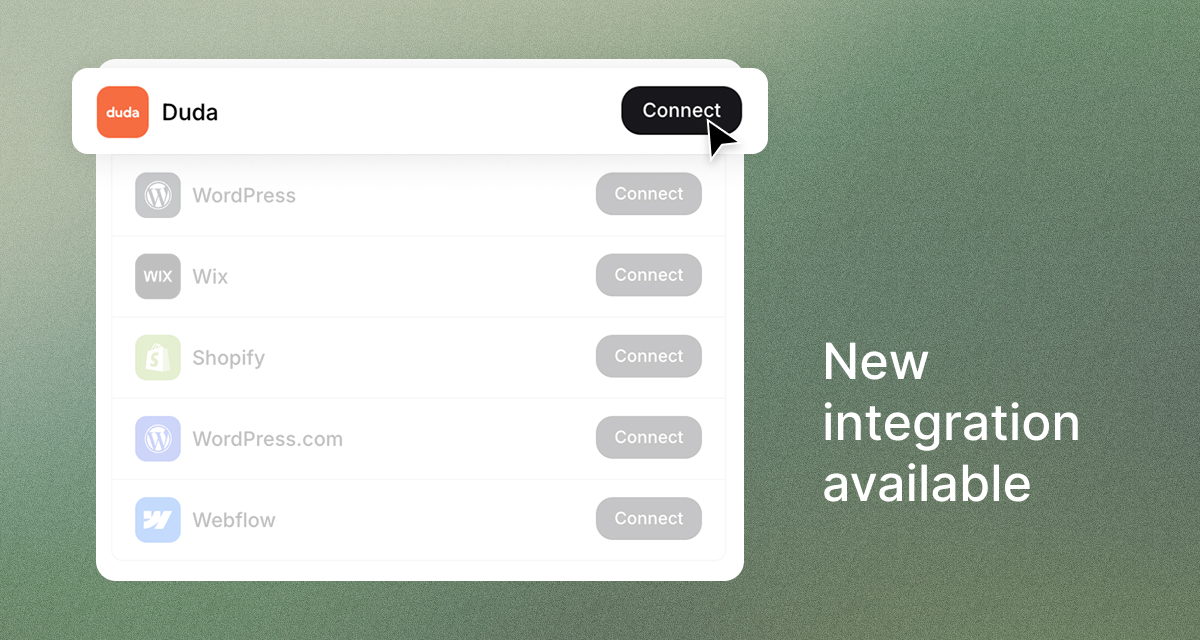
Publish to Duda
You can now publish to Duda. Connect a Duda site and RankYak posts every new article to its blog, live or as a draft for your review, so a Duda site gets the same hands-off publishing as every other platform RankYak supports. If the site has no blog yet, RankYak creates one on the first publish.
Connect it from Settings, then Integrations. The Duda help article walks through the setup.
-
Swap a planned keyword from the calendar
You can now change the keyword on any planned day straight from the calendar. Remove the keyword that is planned there and drag the one you want onto the day. Only that day changes, and the article for the new keyword is written and published on the same date, so you steer the plan without redoing it.
The calendar also works on a phone now, so you plan from wherever you are.
Get Google and ChatGPT traffic on autopilot.
Start today and generate your first article within 15 minutes.
